 English

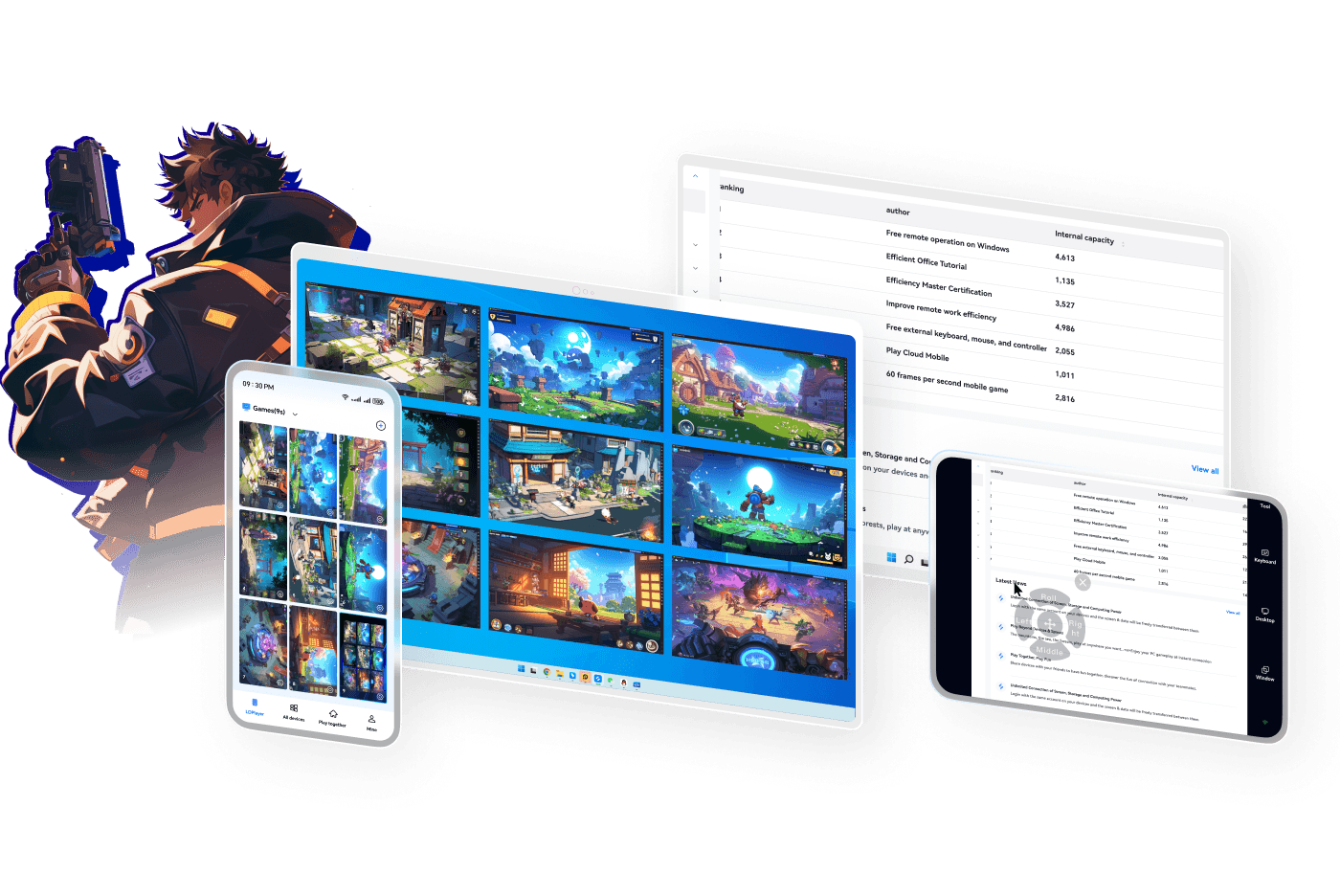



Next-Level Gaming Experience
A remote tool built specifically for gamers. Stream and play AAA titles with silky-smooth performance at up to 60 FPS.


 Seamless connection
 Stable and secure
 Multi-instance
 High FPS with zero latency
 A more professional remote streaming tool that makes remote access simpler and more efficient
Connect to your PC anytime, anywhere. Supports remote control across multiple devices for free, breaking device and scenario limits, enabling innovative remote PC control from any device.
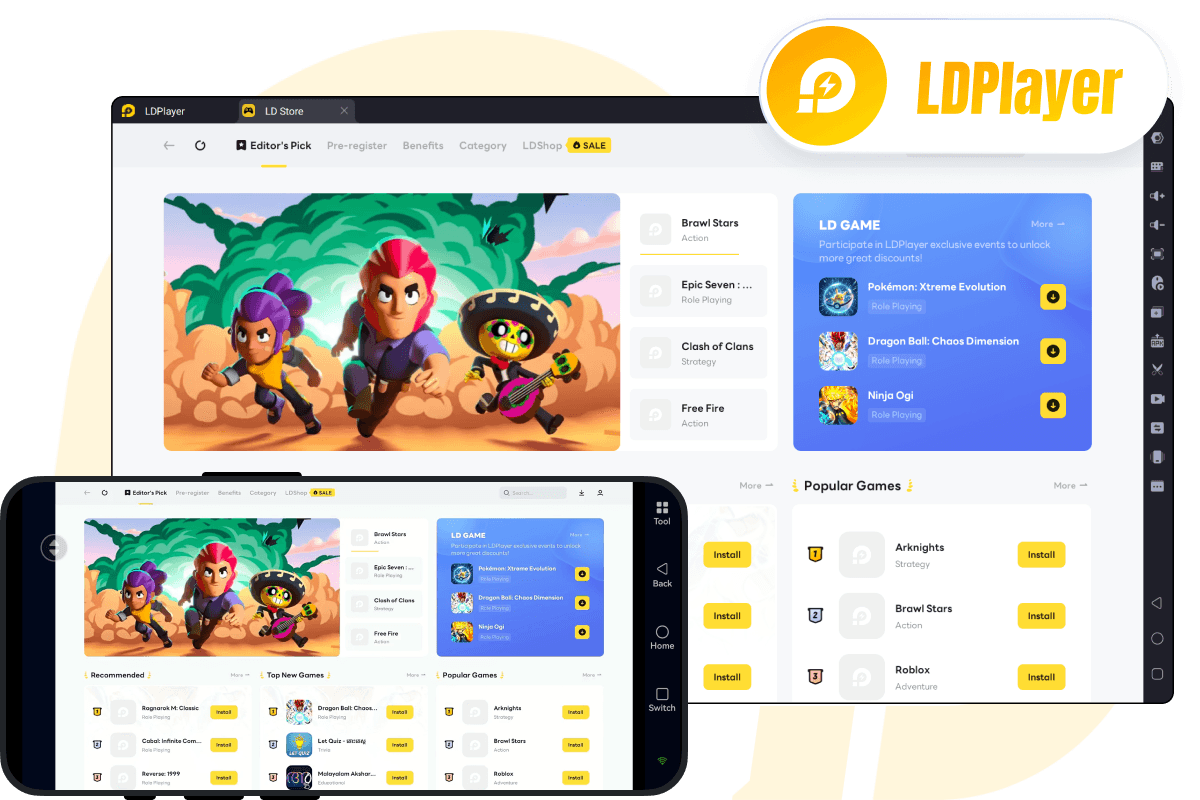
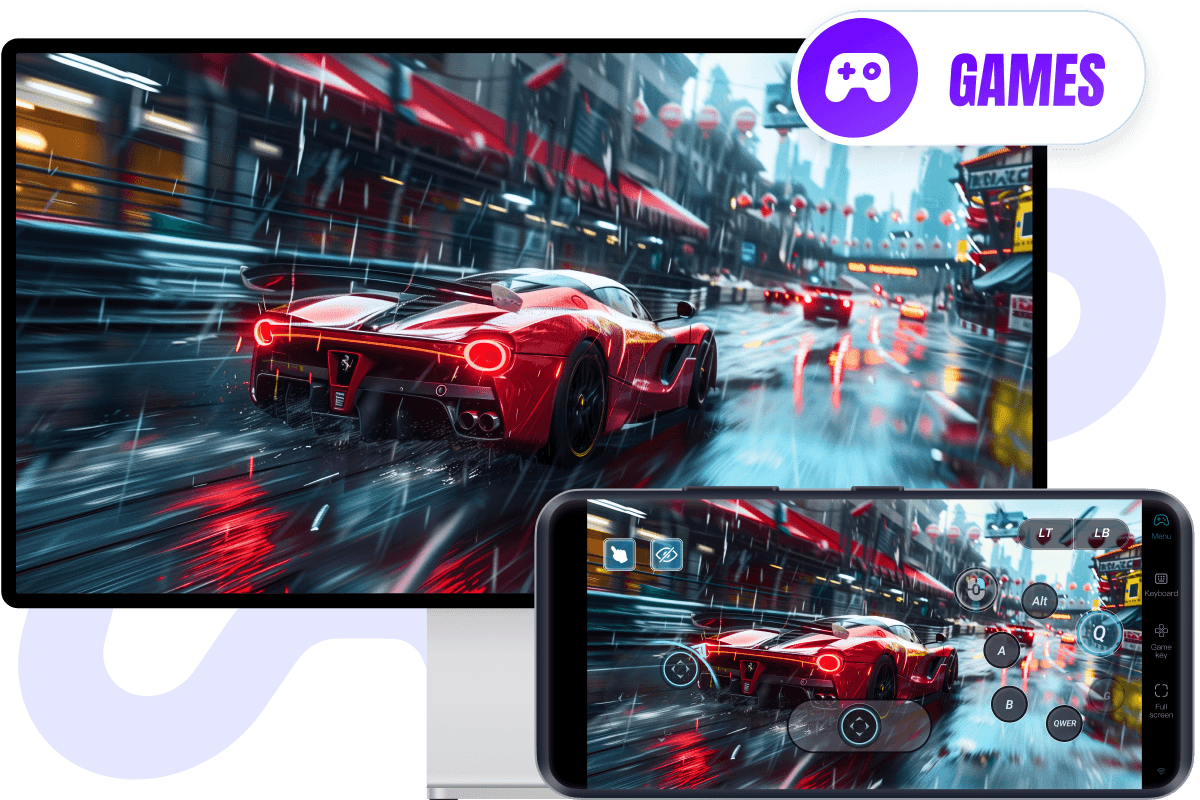
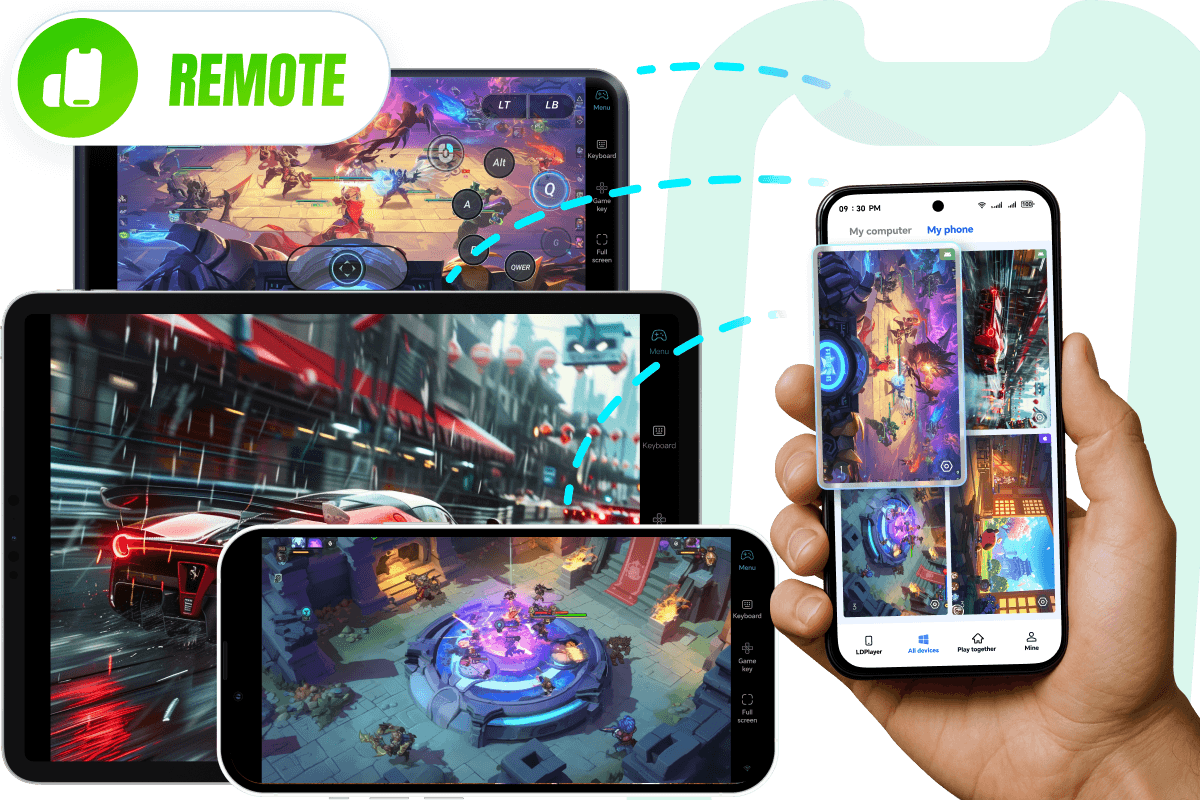
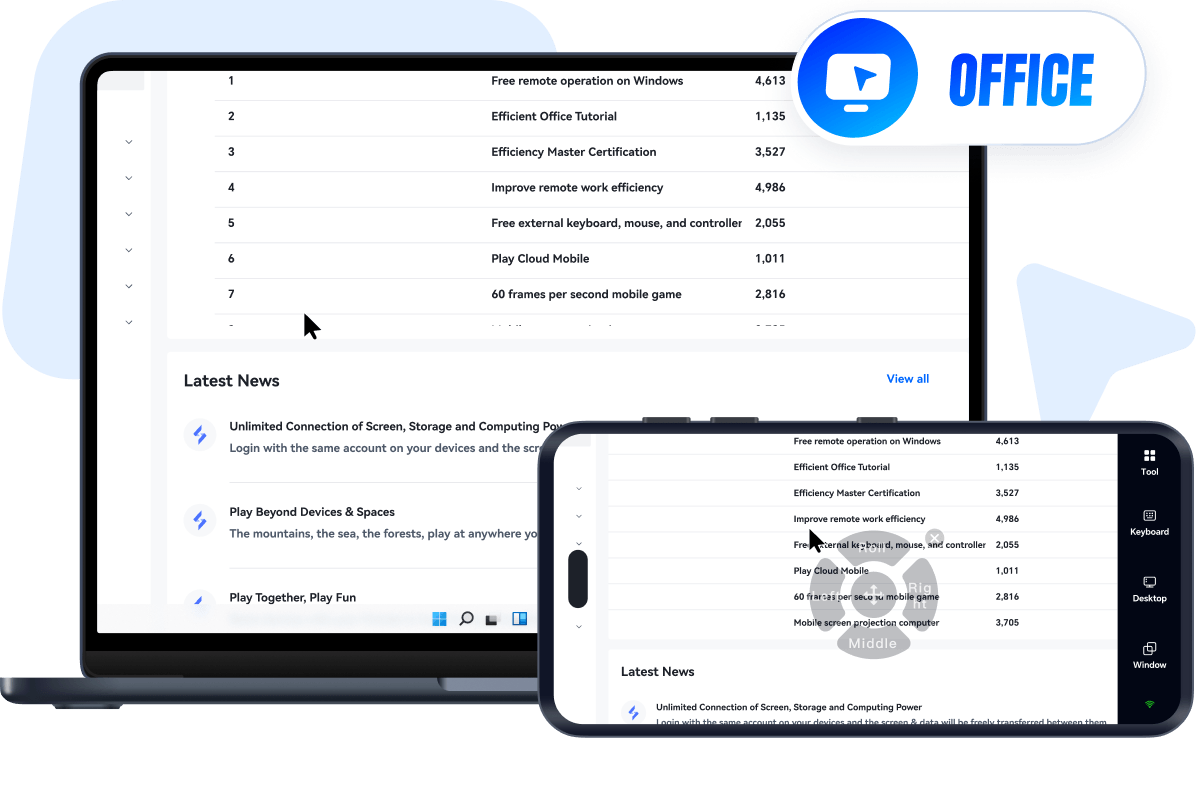
OSLink is an efficient and secure remote control tool that enables seamless operation across devices and platforms. Whether it's multi-account automation, resource collection, or running multiple social/media apps, OSLink supports all scenarios and needs.
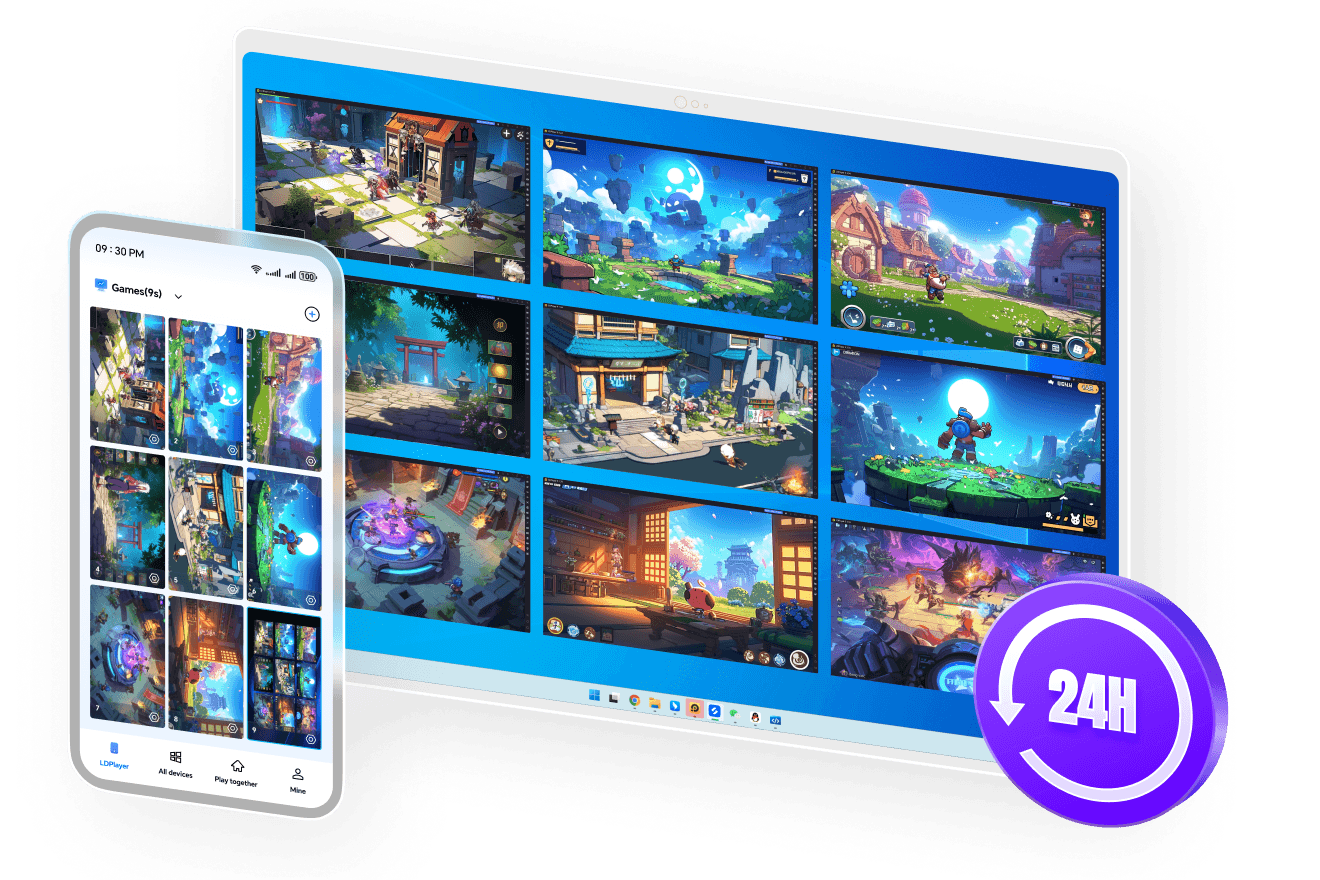
Whether for ultra-efficient gaming studios or teams collaborating across regions, one-click control replaces repetitive work. OSLink delivers an all-in-one solution that is efficient, stable, and secure—reducing time costs, boosting productivity, and scaling results.


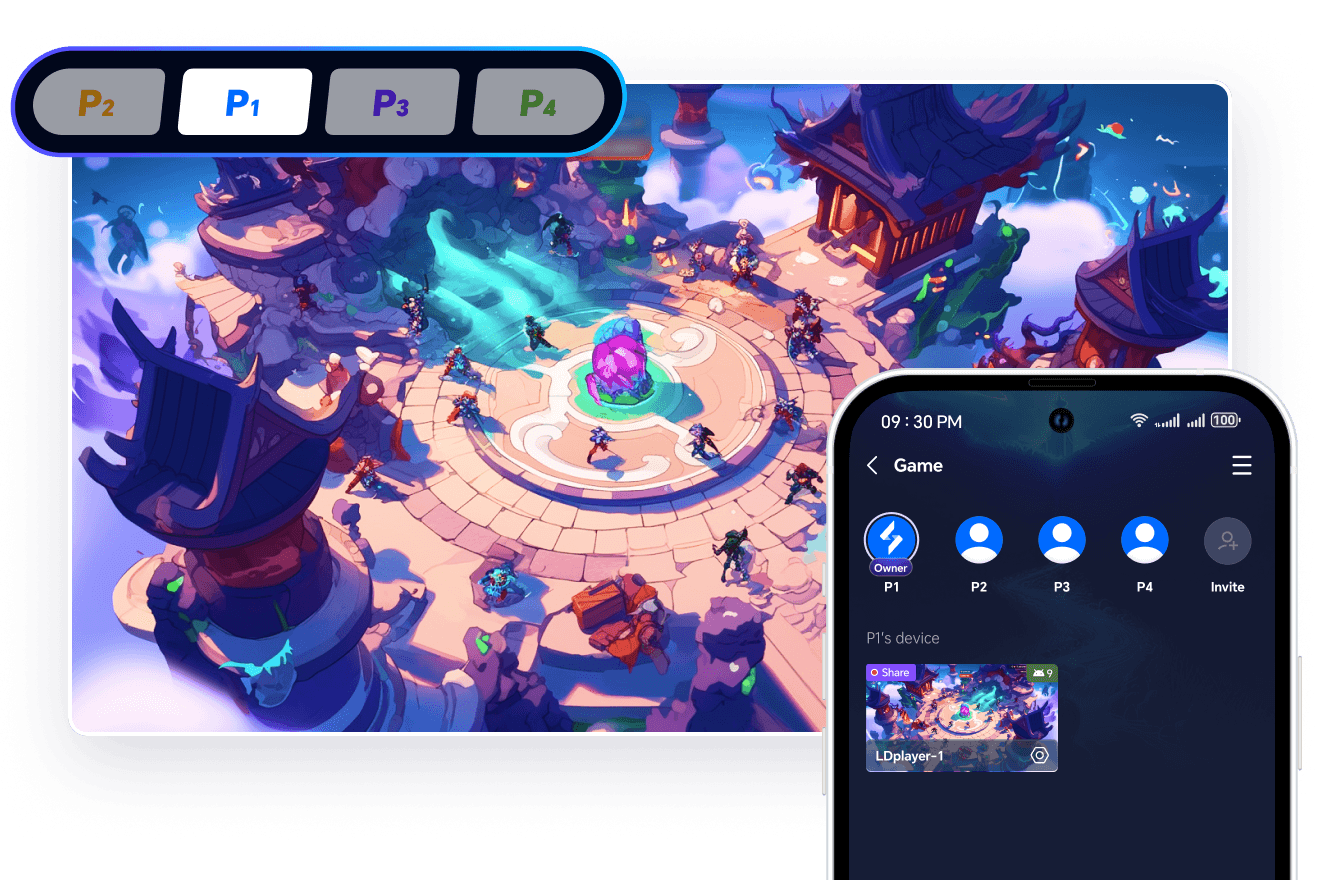
OSLink turns one phone into many—team up for tasks, share with friends, take turns doing dailies, and enjoy account growth together.
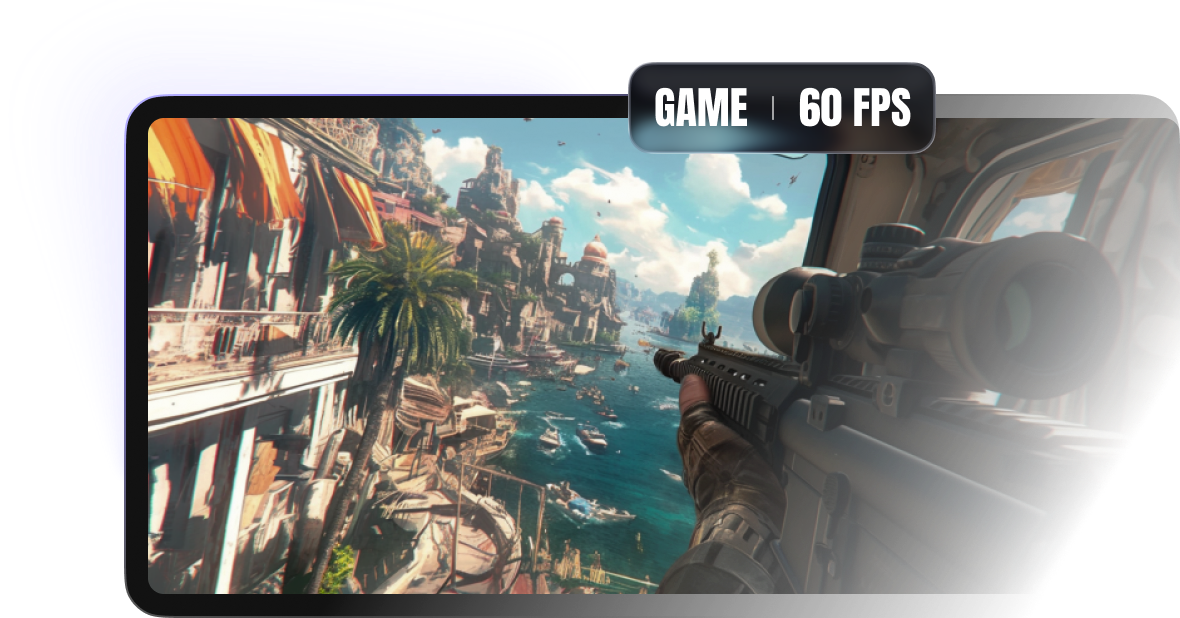
Utilizing all-new encoding technology to deliver high-definition, high-framerate, and ultra-low latency remote streaming. Enjoy buttery-smooth visuals and rapid response times, elevating your experience across all remote scenarios.

A remote tool built specifically for gamers. Stream and play AAA titles with silky-smooth performance at up to 60 FPS.

Enjoy stutter-free playback and crisp details whether you're watching videos, viewing dynamic animations, or rapidly switching between screens.

Achieve near-perfect synchronization between your inputs and the display when remotely controlling resource-heavy applications or sharing your screen, drastically improving your workflow.
OSLink offers top-tier security for remote access, with full protection from login to operation, blocking any potential threats to fully meet your needs.


Connect not only your screens but also your files. Transfer documents and photos freely anytime, anywhere. It’s as easy as using a USB flash drive.

Quickly transfer images or game installation files (APKs) from your phone directly into LDPlayer on your PC, without needing to re-download them.

Use your phone to remotely download massive PC files or game updates in advance. They'll be ready to go by the time you get back to your computer, saving you valuable waiting time.
Instantly project your phone, tablet, or PC screen to another display. Easily view content, operate apps, or showcase your screen on a larger monitor.

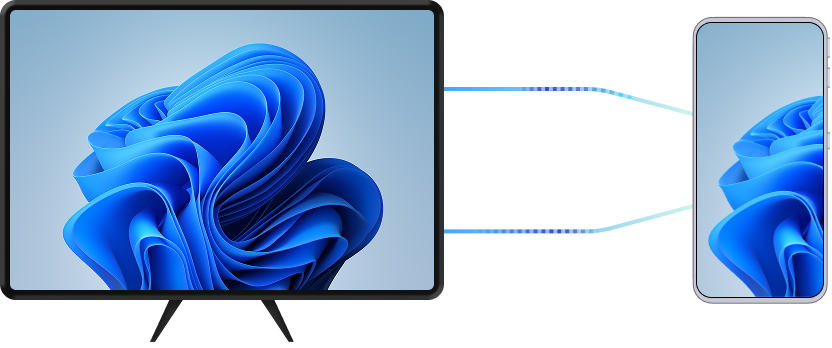

Project your device's screen onto a larger display for seamless content sharing during meetings or classes.

Cast movies and TV shows from your phone or tablet to your TV or PC for a much more comfortable viewing experience.

Mirror mobile or tablet games to a larger monitor and enjoy a more immersive, big-screen gaming experience.
Simplify complex commands into a single click. Set up custom keymapping for your favorite software, games, or workflows to create the ultimate, high-efficiency remote control experience.
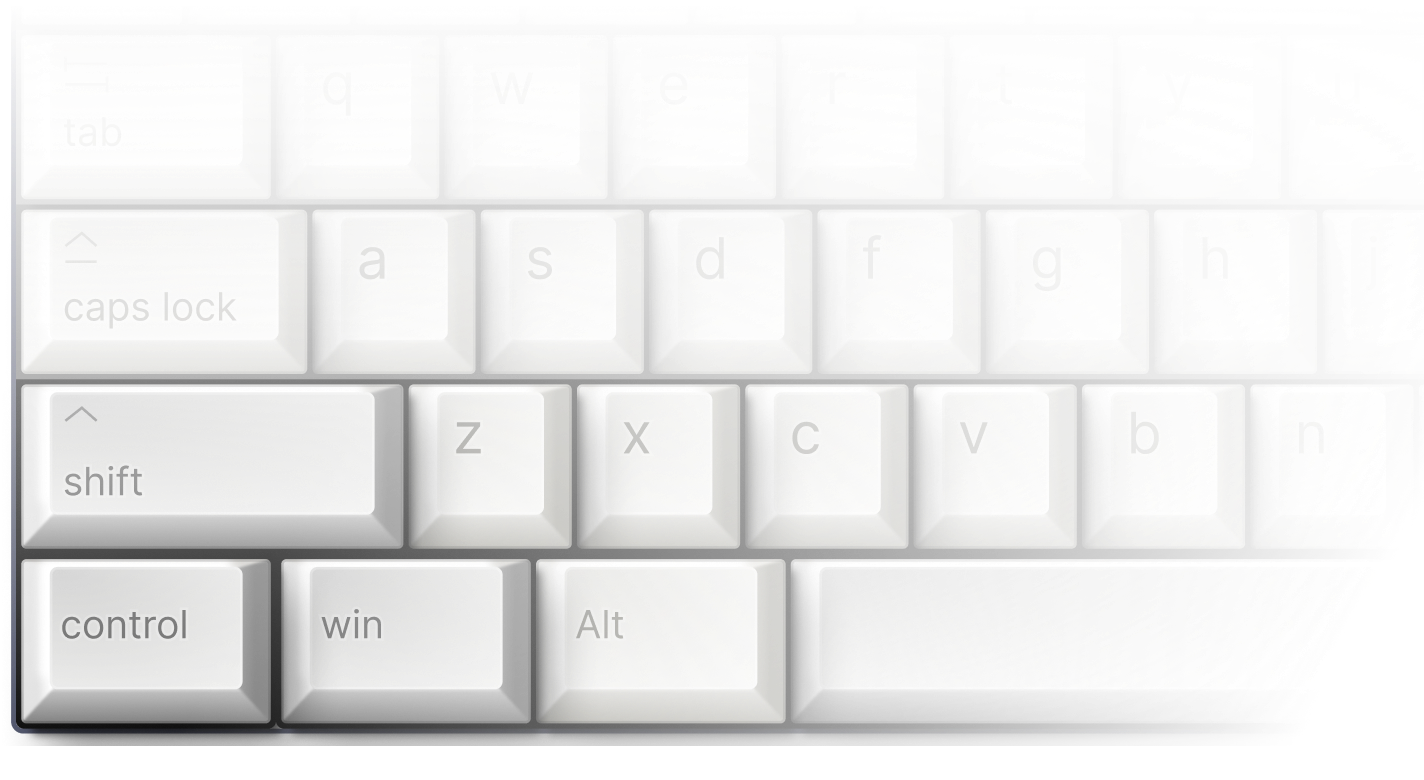

Configure hotkeys for frequently used functions during remote work, streamlining creative workflows like video editing and graphic design.

Remote mapping for controllers makes it easy to enjoy games with gamepad support.

Offers dedicated keymaps for different games, enabling more flexible control.

OSLink is built by the team behind the renowned Android emulator LDPlayer, bringing years of experience in performance tuning and cross-platform optimization. From remote work and team collaboration to everyday device access, OSLink delivers a smooth, reliable, and trustworthy remote control experience across all your devices.
Access your PC, Android devices, and Android emulators from anywhere with responsive, low-latency control. Whether you're managing files, offering remote support, running apps, or gaming on the go, OSLink gives you a flexible, all-in-one remote access solution.

OSLink uses industry-standard encryption and built-in access protections to ensure only authorized devices can connect. With clear permission prompts and privacy-focused design, every remote session stays secure, giving you peace of mind no matter where you're connecting from.
