
English
Remote Control From Your Mobile LDPlayer
Free, stable 24/7 multi-instance operation — run multiple games/apps at the same time
Try now
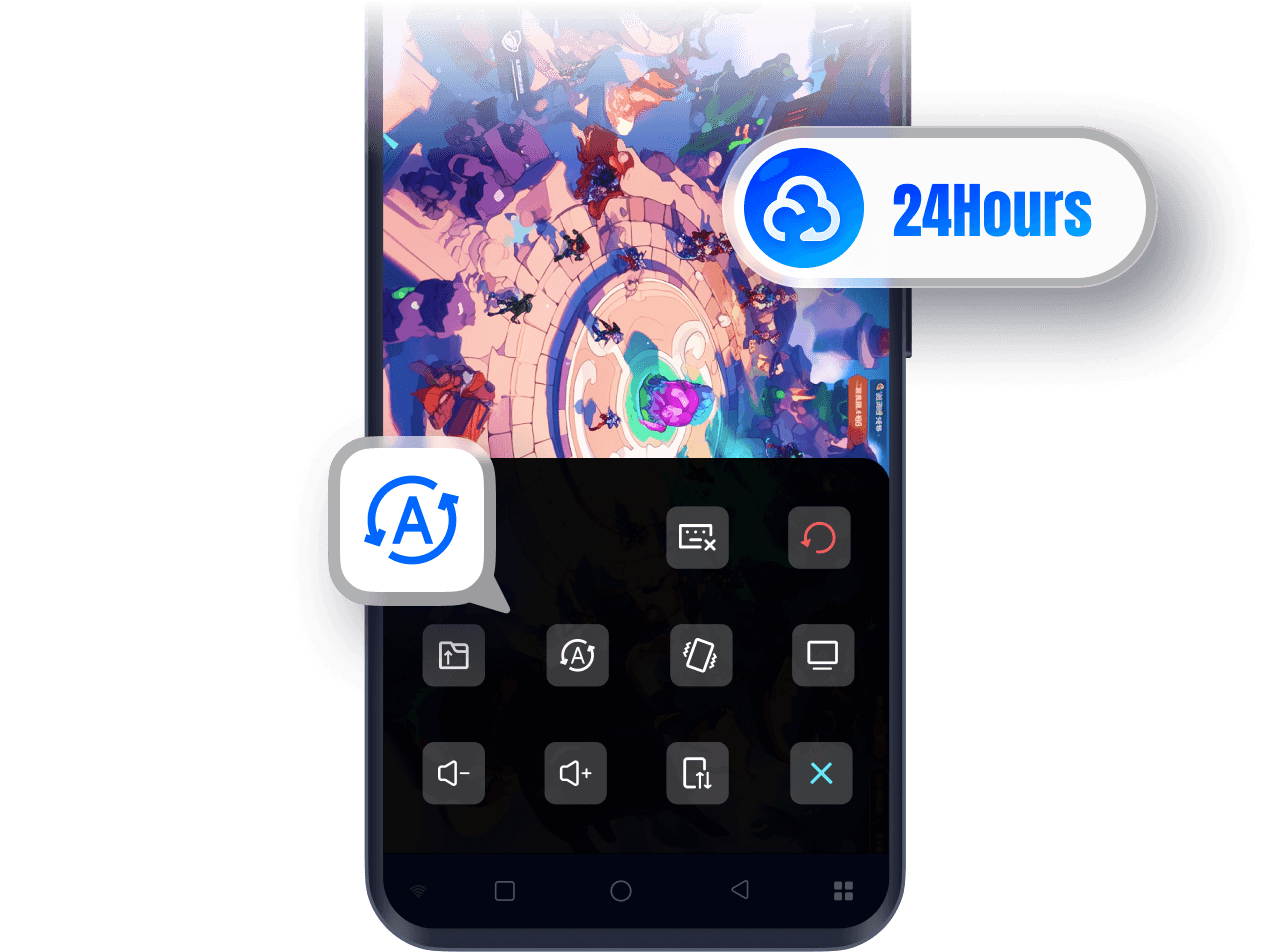
Always-on cloud hosting with zero disconnects
With the OSLink remote control feature for LDPlayer, simply launch LDPlayer on your PC and set up auto-battle or AFK tasks in your games. OSLink supports cloud hosting, allowing your games to keep running even when your phone screen is off or disconnected from the internet — enabling efficient 24/7 leveling and resource farming.
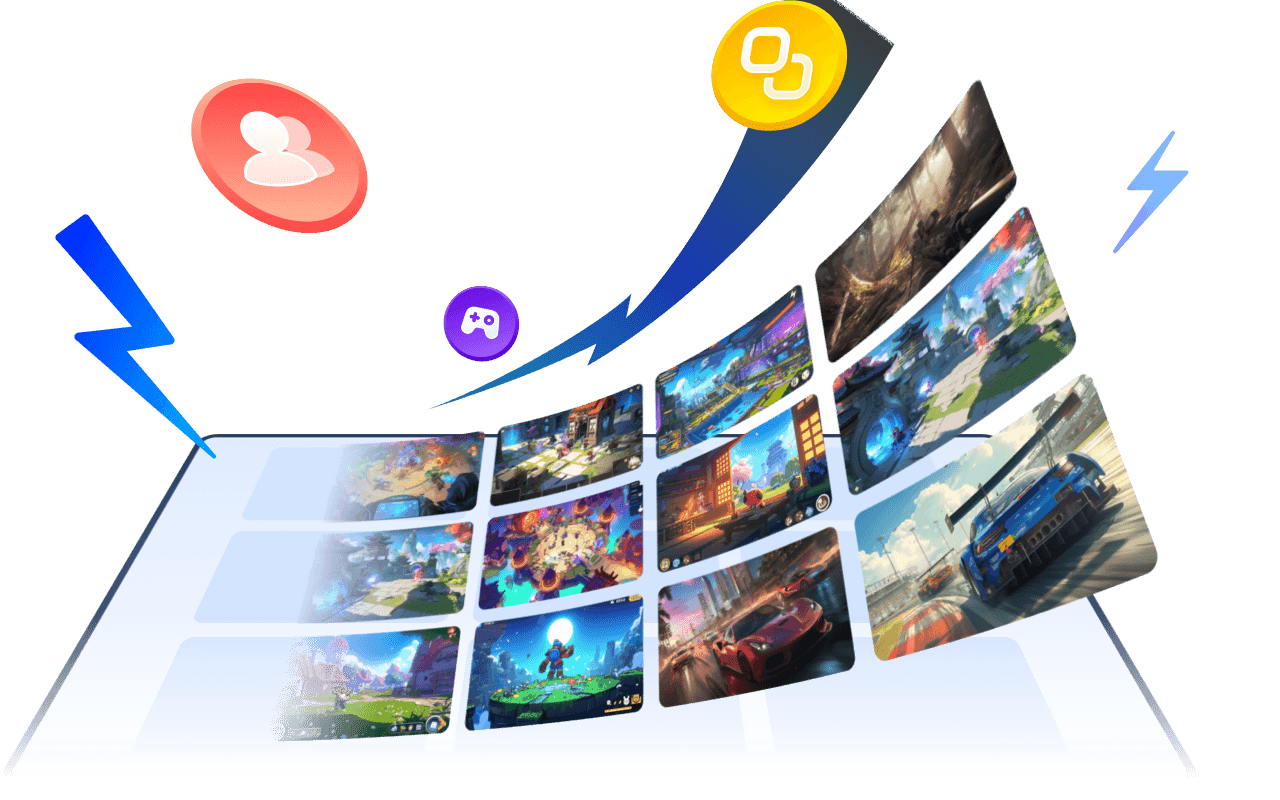
Free multi-instance — easily manage multiple accounts
OSLink supports multi-instance operation, letting you run multiple game/app accounts on one PC. Depending on your PC’s performance, you can open two, five or even more accounts at the same time to quickly level up, grow alt accounts, and accumulate resources.
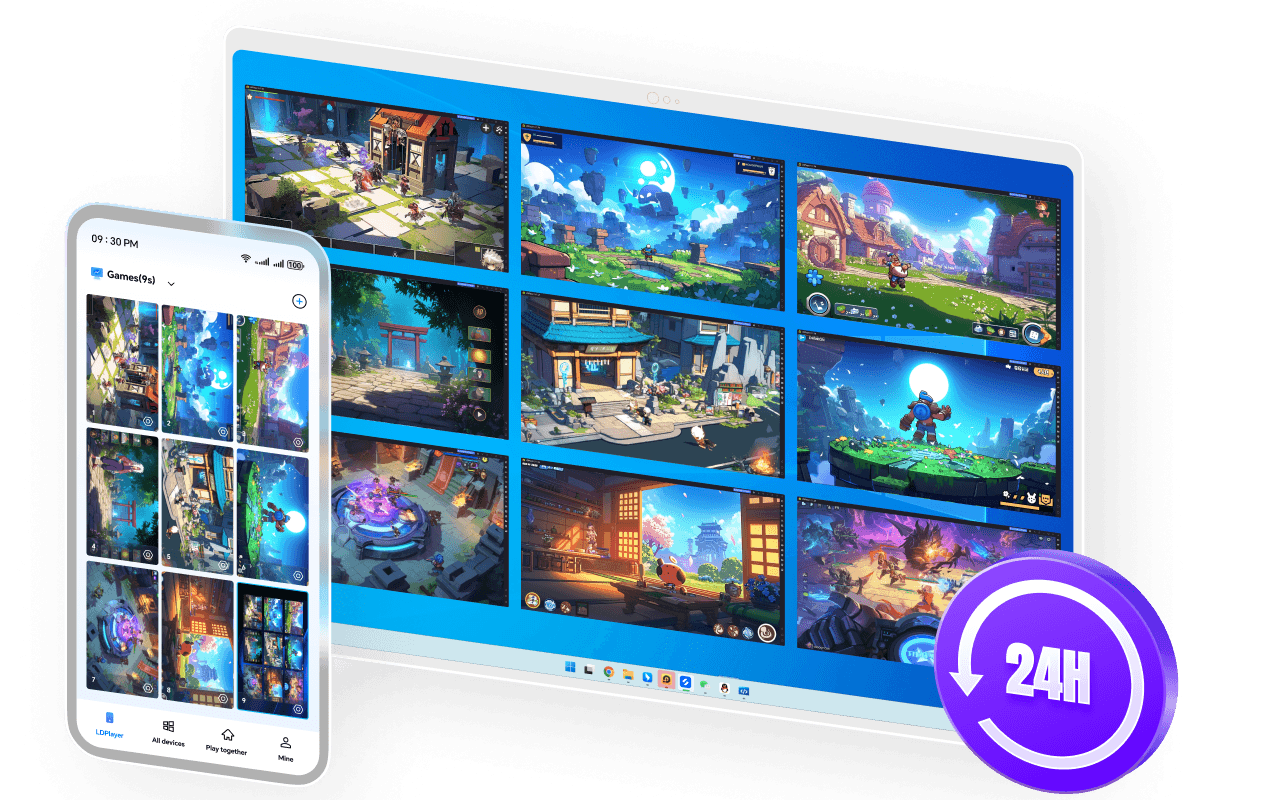
Monitor your hosting status anytime
OSLink offers multi-device sync, so no matter where you are, you can check your AFK progress from your phone and ensure all accounts are running smoothly.
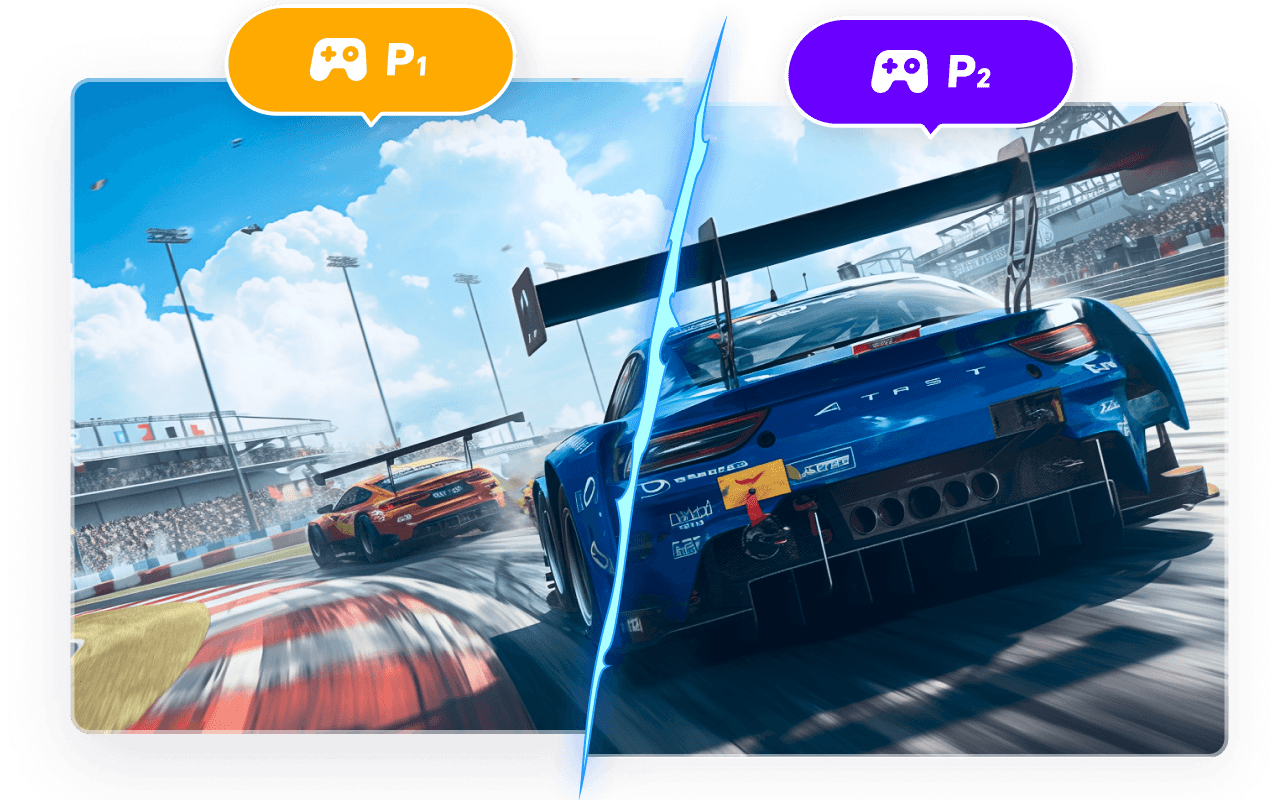
New gameplay: share your screen and play with friends
Turn one phone into many — invite friends to team up, rotate daily tasks, and enjoy effortless account progression together.

为什么选择OSLink

專業成熟的遠端技術

專業成熟的遠端技術

OSLink由知名安卓模擬器 LDPlayer 的技術團隊自主開發,系統優化經驗成熟。OSLink 在多設備連線與跨平台控制上表現穩定,無論辦公、協作或娛樂場景,都能提供流暢、可信賴的遠端控制體驗。

跨平台互控滿足多樣需求

跨平台互控滿足多樣需求

支援 PC、Android 與安卓模擬器多端互控。低延遲、高畫質讓您輕鬆應對遠端辦公、技術支援、資料管理及娛樂需求,OSLink一套工具滿足多種使用場景。

端對端加密保障數據安全

端對端加密保障數據安全

採用多層加密與嚴格的設備授權機制,避免未經授權的連線。權限提示透明清晰,OSLink重視每位用戶的隱私與資料安全,讓每一次遠端操作都安心可靠。

OSLink Remote Control Highlight

A more professional remote streaming tool that makes remote access simpler and more efficient

Latest News
View all blogs