
English
Play PC Games Remotely on Your Phone
Free, stable 24/7 multi-instance operation — run multiple games/apps simultaneously.
Try now
True mobile touch-screen control
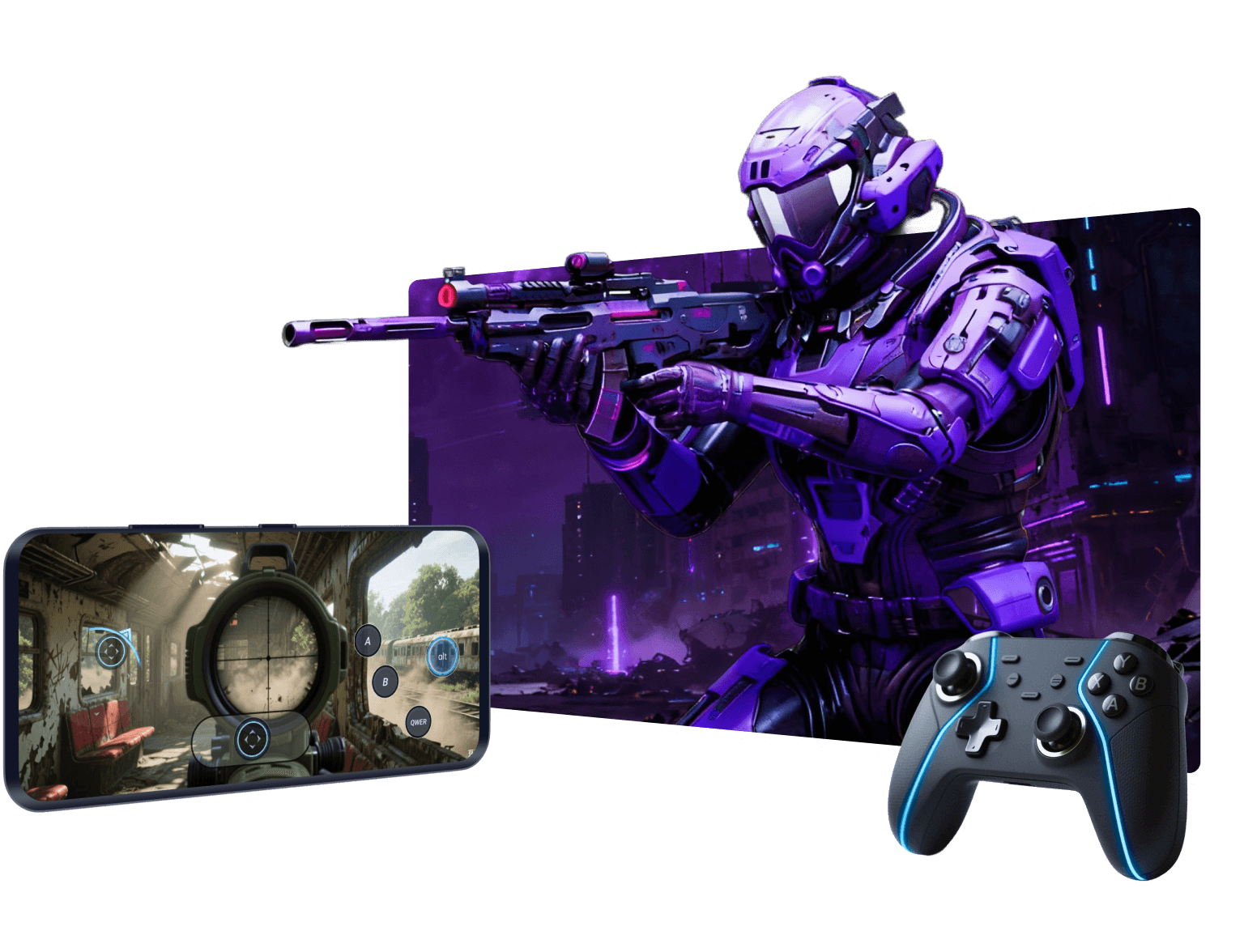
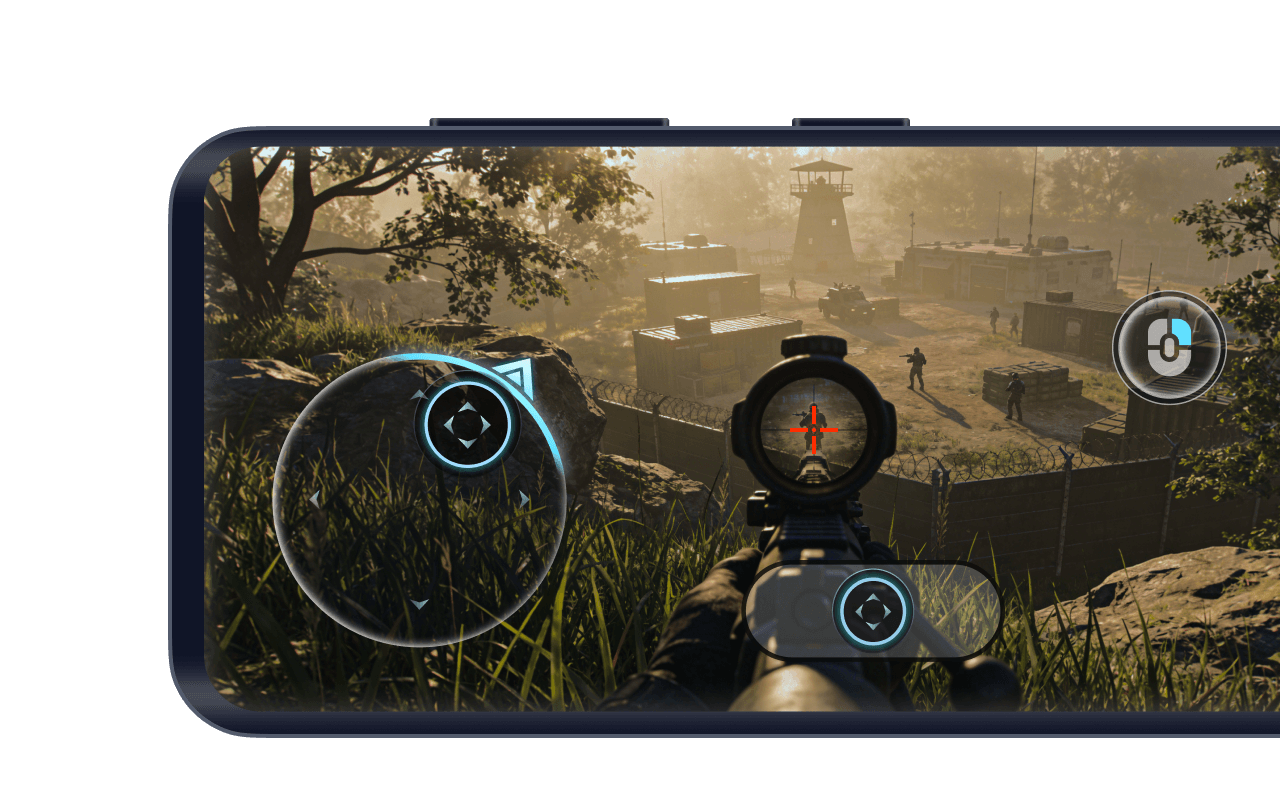
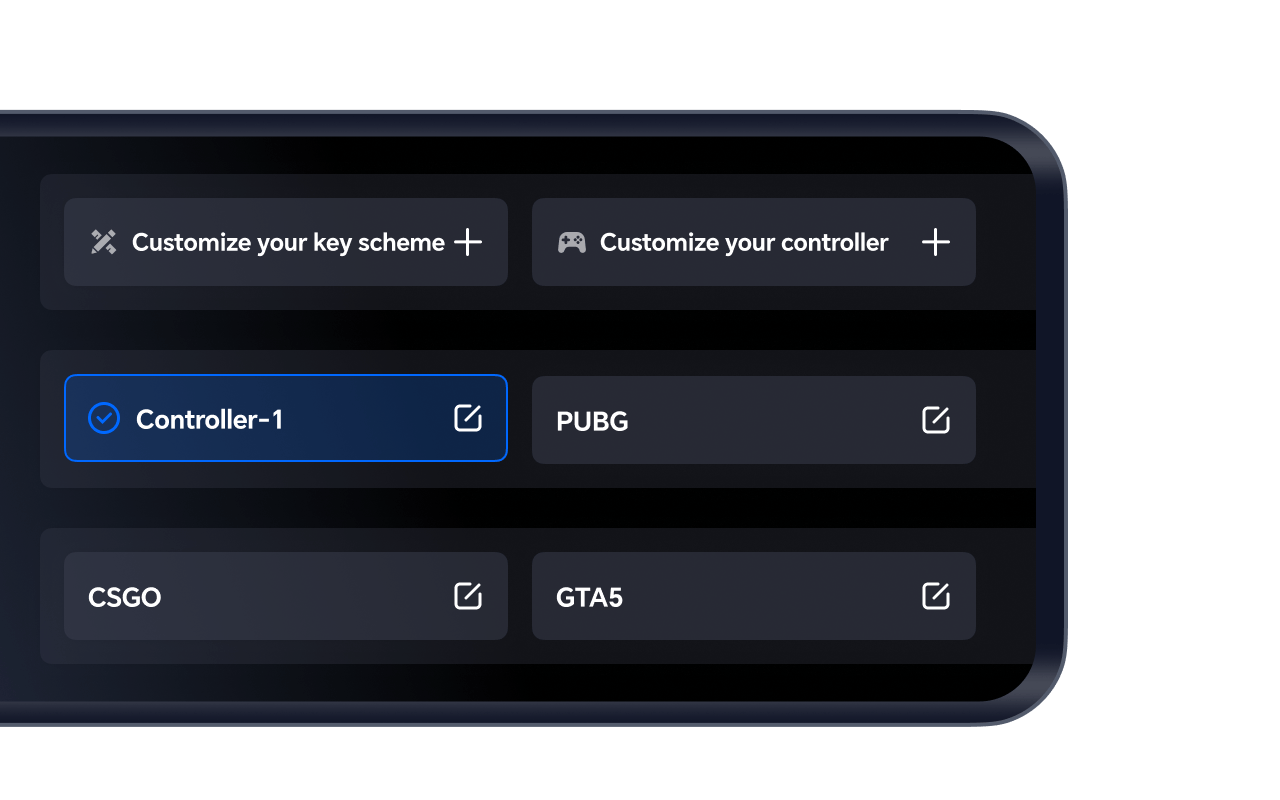
When playing PC games remotely on a phone/tablet, OSLink perfectly adapts PC games to mobile touchscreen controls, allowing you to play PC titles using mobile-style gameplay.
Dedicated game keymapping
OSLink offers one-tap quick game launch with ultra-low latency. It also provides multiple cloud keymapping presets for various PC games so you can enjoy smooth PC-style controls on your phone.

Why Choose OSLink

Professional Remote Access Platform

Professional Remote Access Platform

OSLink is built by the team behind the renowned Android emulator LDPlayer, bringing years of experience in performance tuning and cross-platform optimization. From remote work and team collaboration to everyday device access, OSLink delivers a smooth, reliable, and trustworthy remote control experience across all your devices.


Cross-Platform Device Control Tool

Cross-Platform Device Control Tool

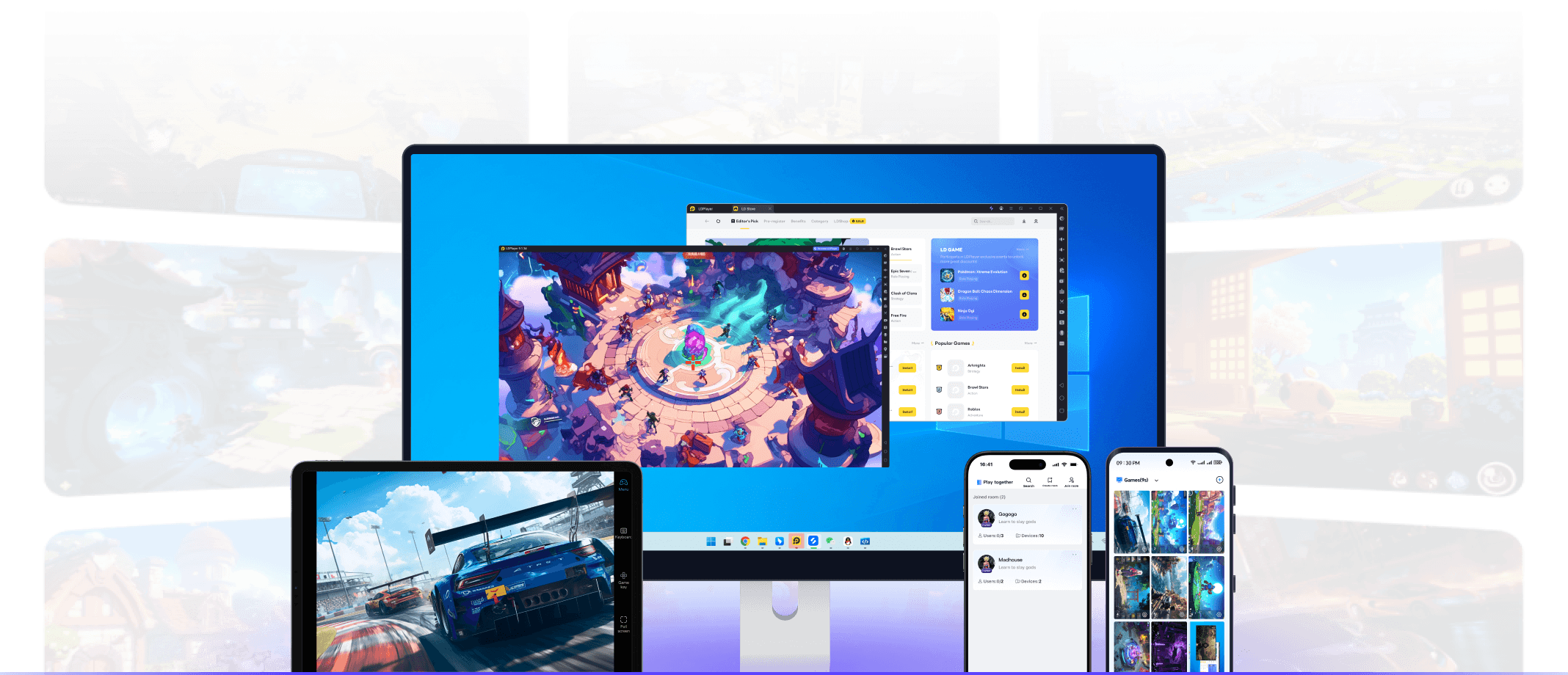
Access your PC, Android devices, and Android emulators from anywhere with responsive, low-latency control. Whether you're managing files, offering remote support, running apps, or gaming on the go, OSLink gives you a flexible, all-in-one remote access solution.

100% Secure and Private Access

100% Secure and Private Access

OSLink uses industry-standard encryption and built-in access protections to ensure only authorized devices can connect. With clear permission prompts and privacy-focused design, every remote session stays secure, giving you peace of mind no matter where you're connecting from.

OSLink Remote Control Highlight

A more professional remote streaming tool that makes remote access simpler and more efficient

Latest News
View all blogs