
English
Remote control of physical Android devices
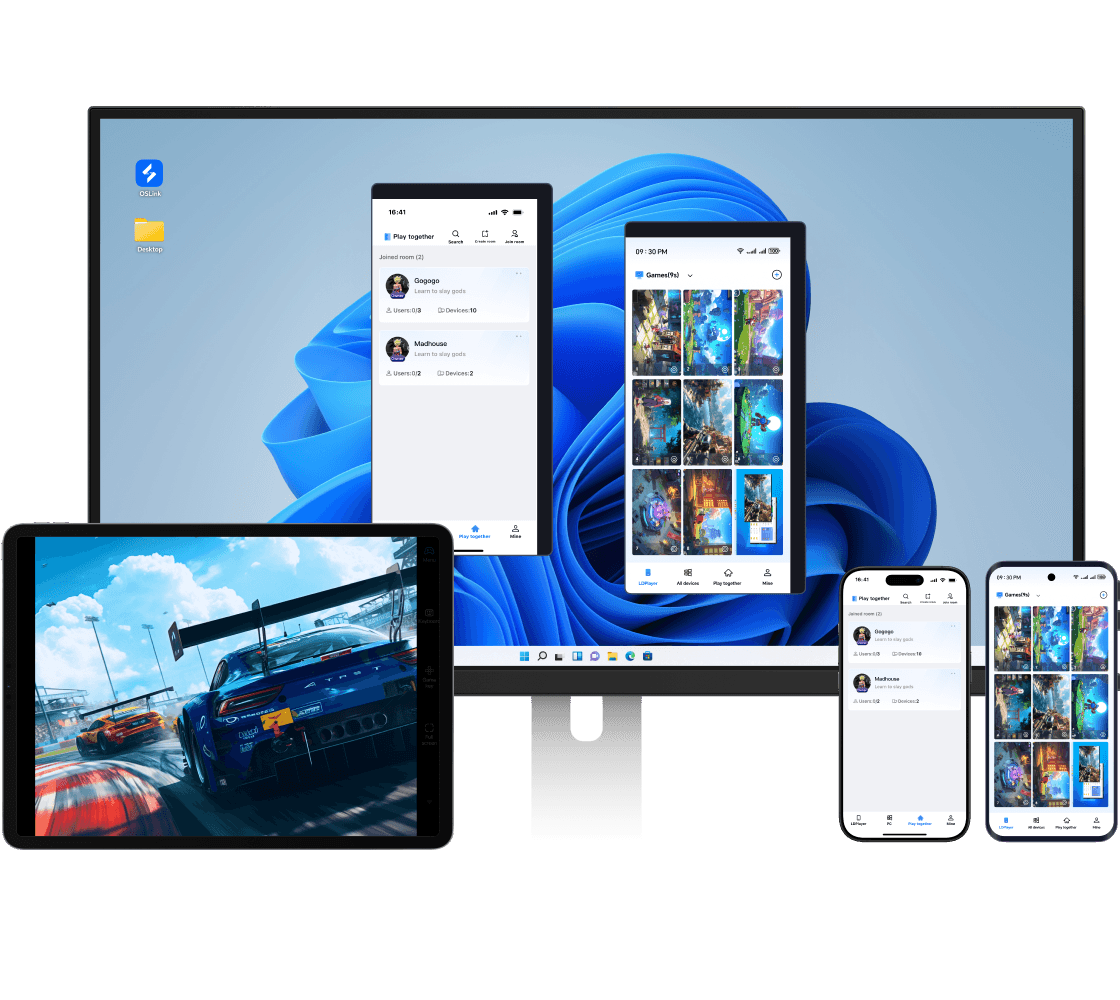
Supports remote access to Android phones/tablets with high-definition visuals and low latency.
Try now
Control Android Devices from Your PC
OSLink supports native swipe gestures with real-time screen sync. Whether wireless or USB, its ultra-low latency makes PC control feel natural and immersive.
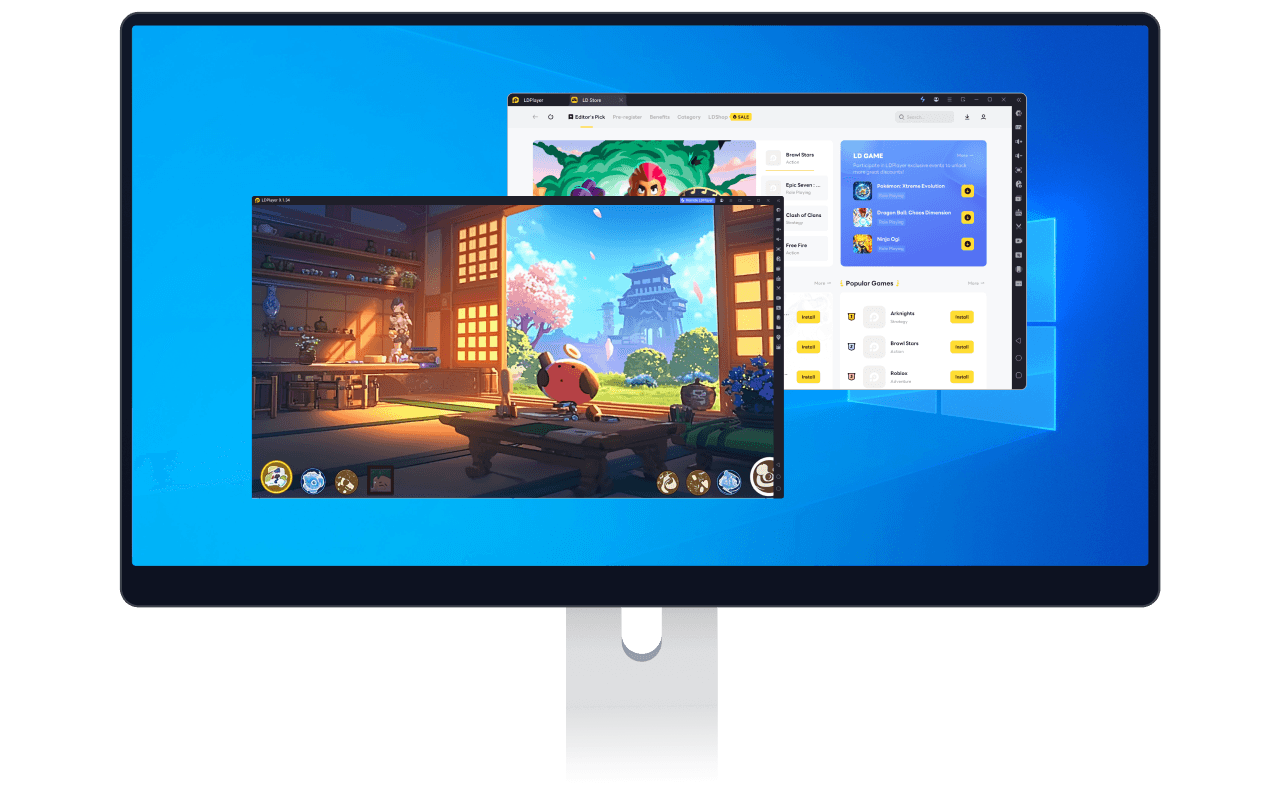
Play mobile games on a big PC screen
OSLink provides cloud keymapping for various games, enabling you to play any Android game on PC using mouse and keyboard.
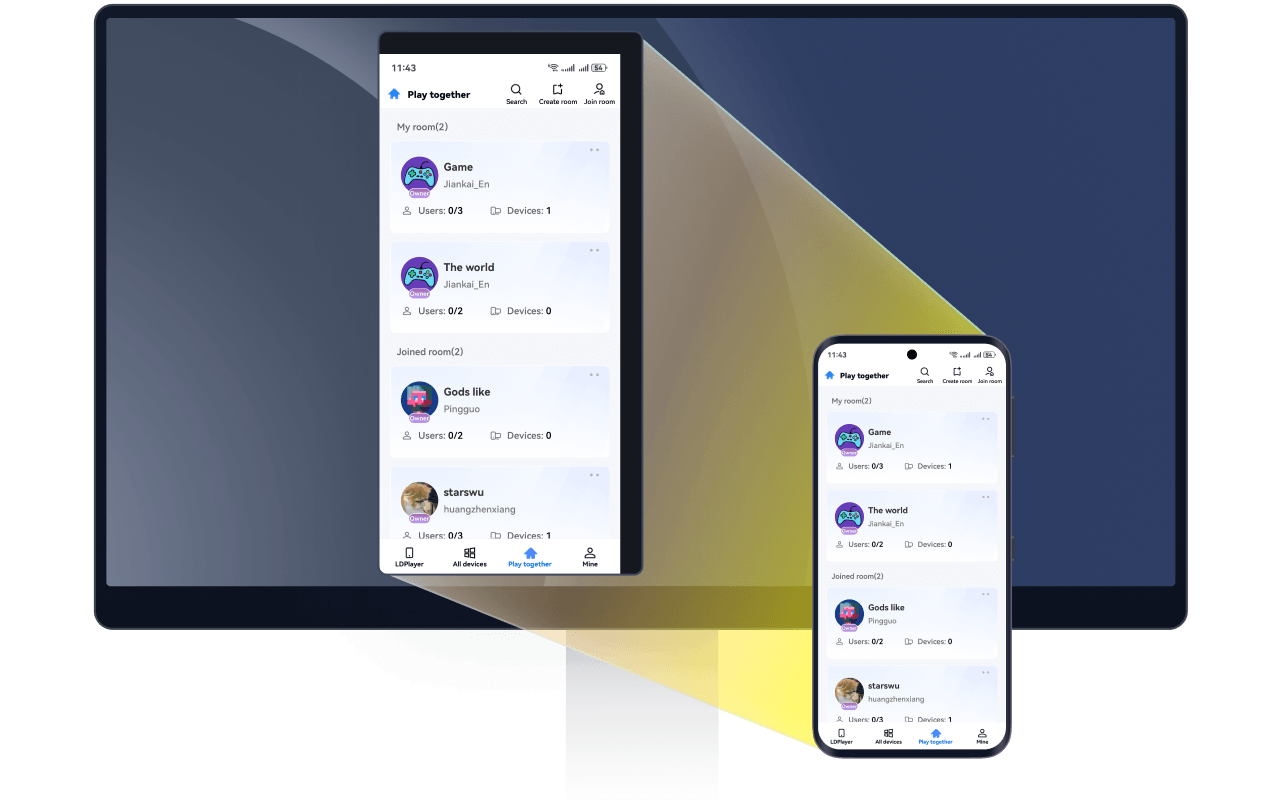
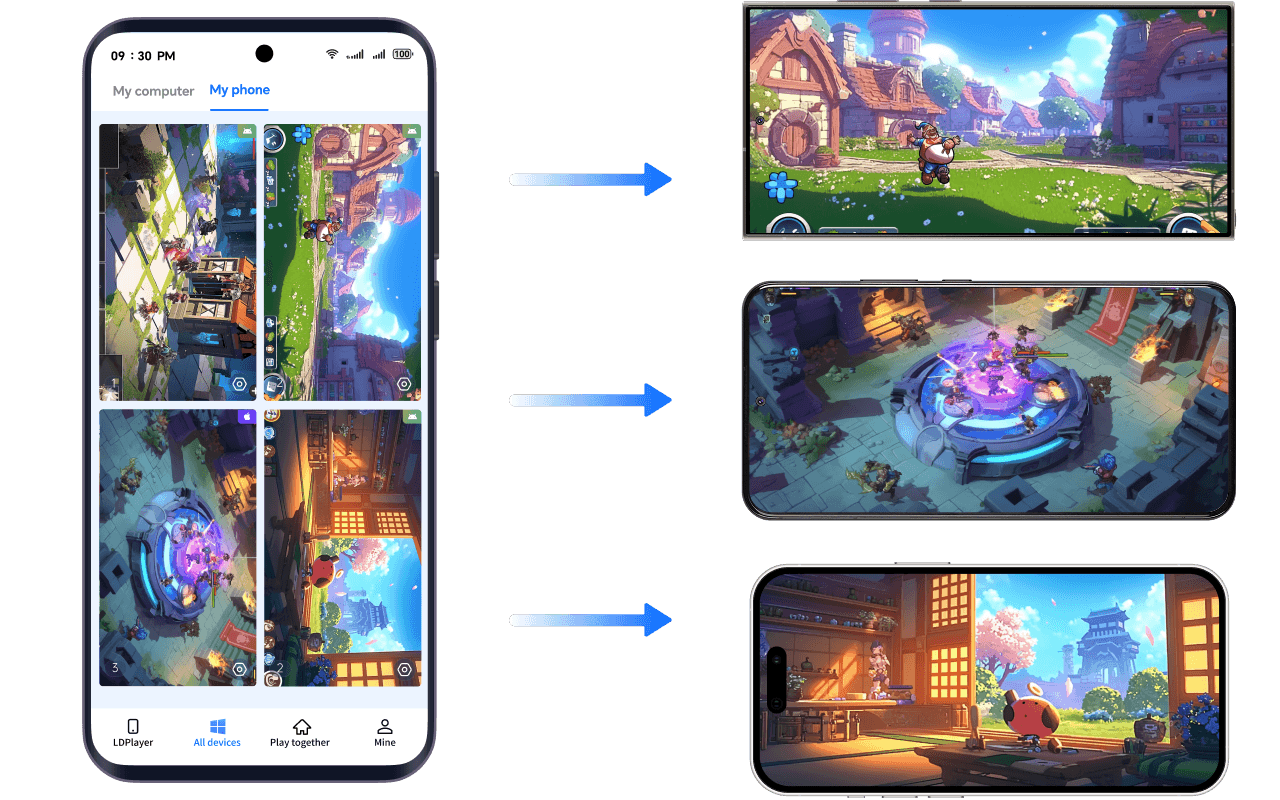
Remote phone-to-phone control
Make use of your old Android devices — run real-device multi-instances for AFK gaming.

为什么选择OSLink

專業成熟的遠端技術

專業成熟的遠端技術

OSLink由知名安卓模擬器 LDPlayer 的技術團隊自主開發,系統優化經驗成熟。OSLink 在多設備連線與跨平台控制上表現穩定,無論辦公、協作或娛樂場景,都能提供流暢、可信賴的遠端控制體驗。

跨平台互控滿足多樣需求

跨平台互控滿足多樣需求

支援 PC、Android 與安卓模擬器多端互控。低延遲、高畫質讓您輕鬆應對遠端辦公、技術支援、資料管理及娛樂需求,OSLink一套工具滿足多種使用場景。

端對端加密保障數據安全

端對端加密保障數據安全

採用多層加密與嚴格的設備授權機制,避免未經授權的連線。權限提示透明清晰,OSLink重視每位用戶的隱私與資料安全,讓每一次遠端操作都安心可靠。

OSLink Remote Control Highlight

A more professional remote streaming tool that makes remote access simpler and more efficient

Latest News
View all blogs