English
 Gothic 1 Remake is a full remake of the classic RPG developed by Alkimia Interactive and published by THQ Nordic. Rebuilt with Unreal Engine 5, it inherits the dark atmosphere and hardcore gameplay of the original 2001 Gothic, with fully upgraded graphics, combat system and quests. You take the role of a prisoner trapped in a mining colony sealed by a magical barrier, ruled by three rival prisoner factions. You must survive, build alliances, and master both combat and magic. Every choice influences your story and character progression.
With OSLink remote streaming, you can turn your mobile device into a portable gaming machine to enjoy Gothic 1 Remake anywhere.
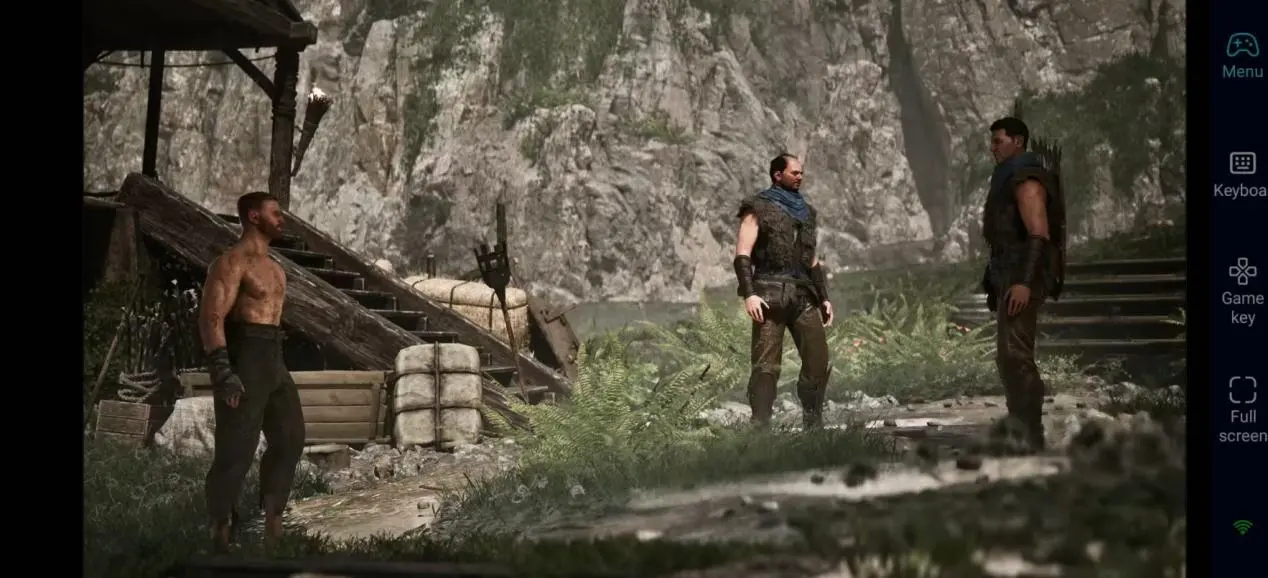
How to Set Up Remote Play for Gothic 1 Remake on Mobile
Step 1: Install OSLink and Pair Devices
On PC:
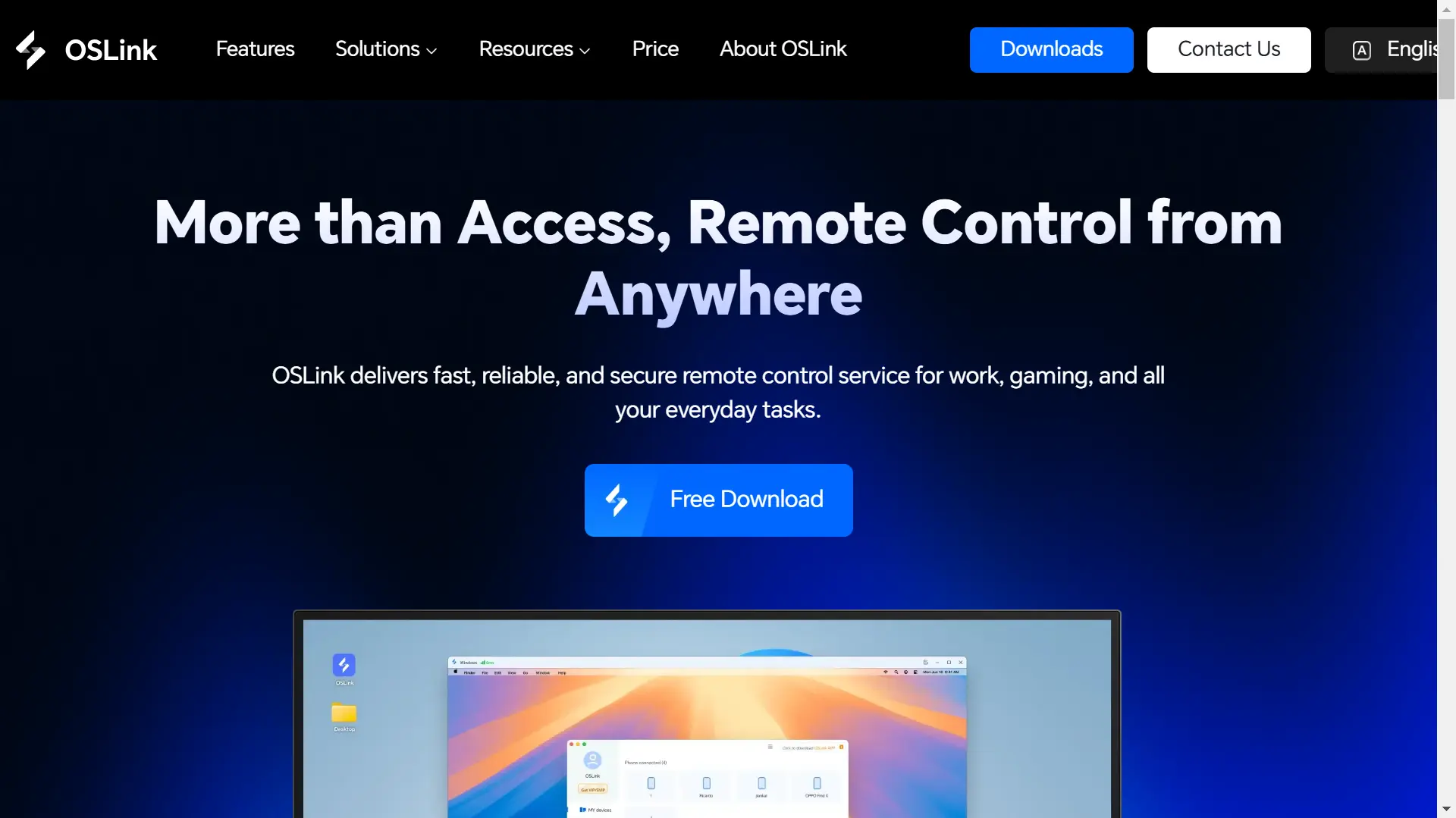
Download the Windows client from the official site: https://www.oslink.io. Install it and log in to your account. Keep OSLink running in the background and your PC connected to the network. Launch the Gothic 1 Remake demo in advance to reduce input lag.
On Mobile:
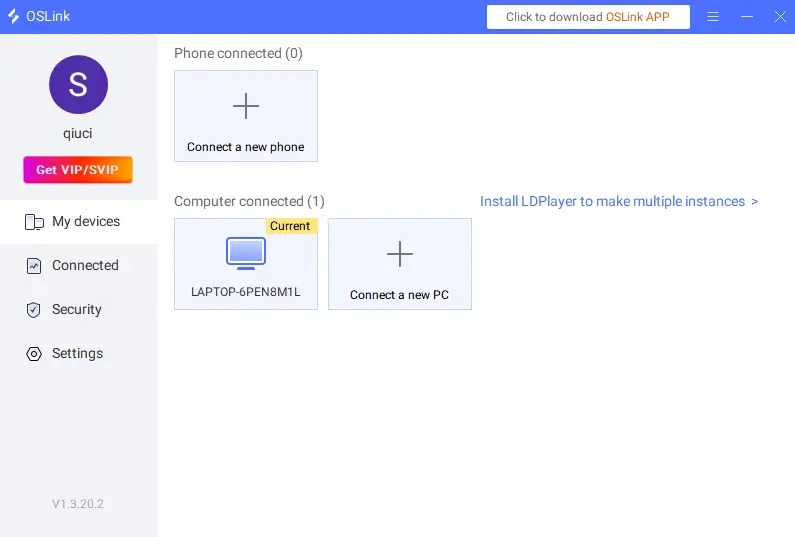
Download OSLink from App Store (iOS) or Google Play / official website (Android). Log in with the same account as your PC. The app will automatically scan and connect to your computer.
Step 2: Optimize Display & Controls
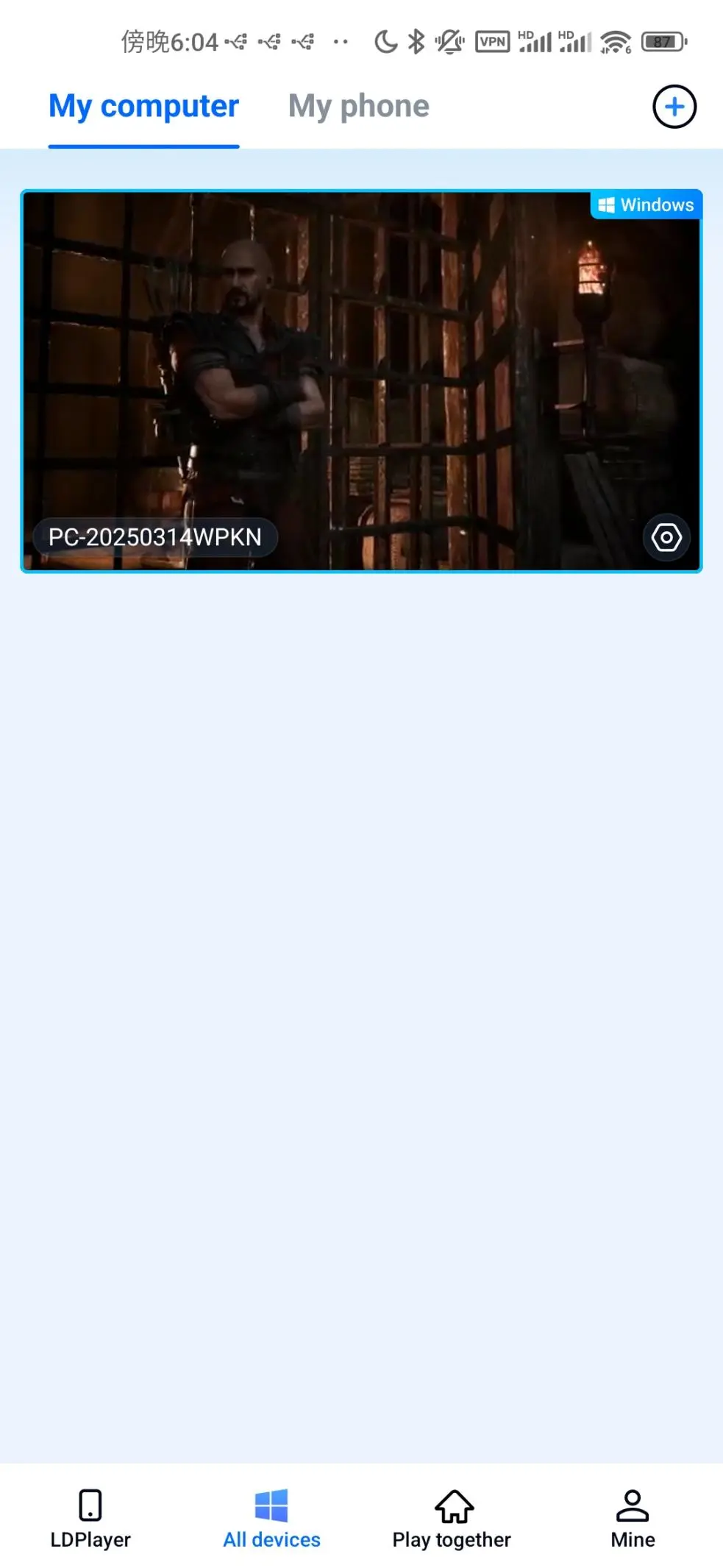
1. Start Remote Stream
After pairing, tap your PC device on mobile to launch the game. OSLink supports high-definition streaming and fully restores Unreal Engine 5 visuals.
2. Frame Rate & Display
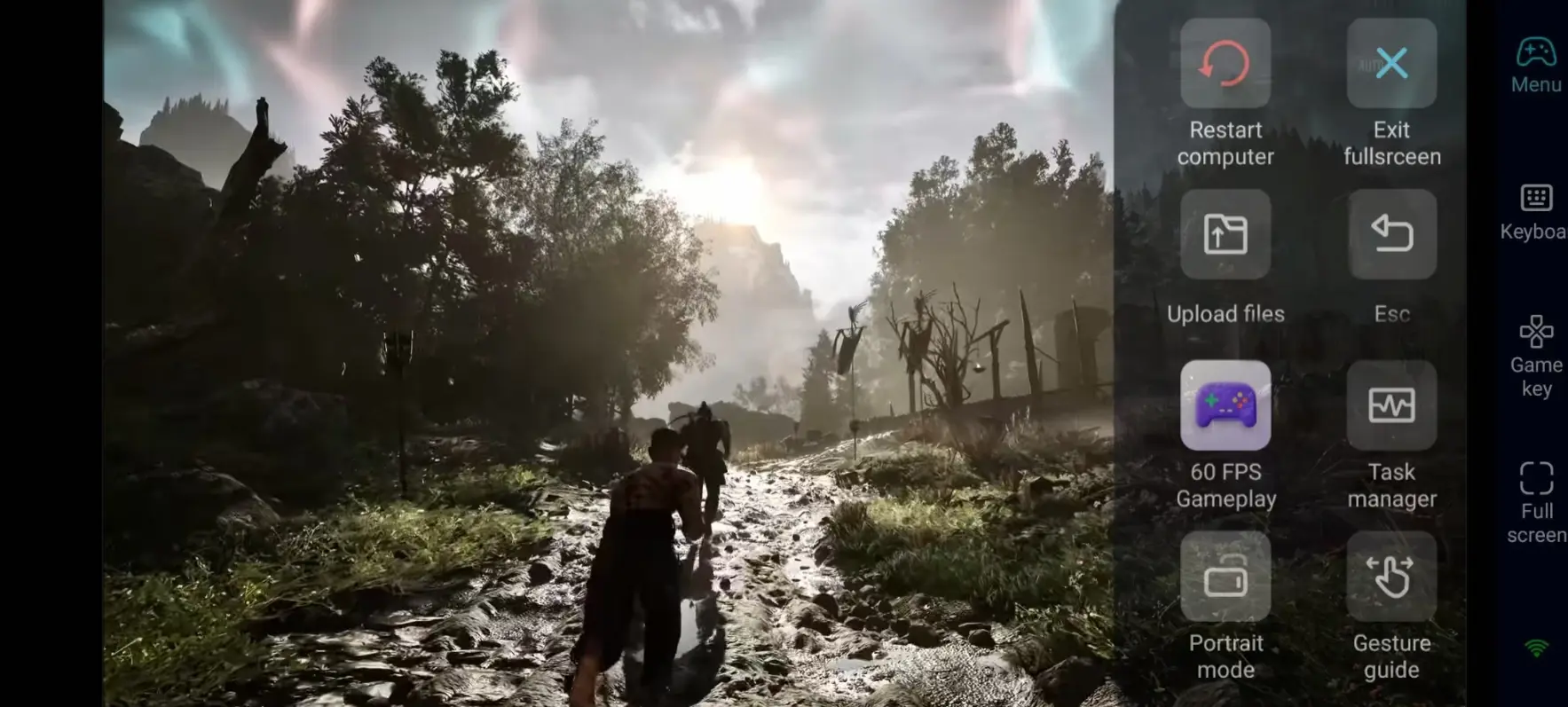
Open the sidebar and enter "60fps PC Game" mode for smoother exploration and combat. Switch to full-screen mode for better immersion.
3. Custom Virtual Keys
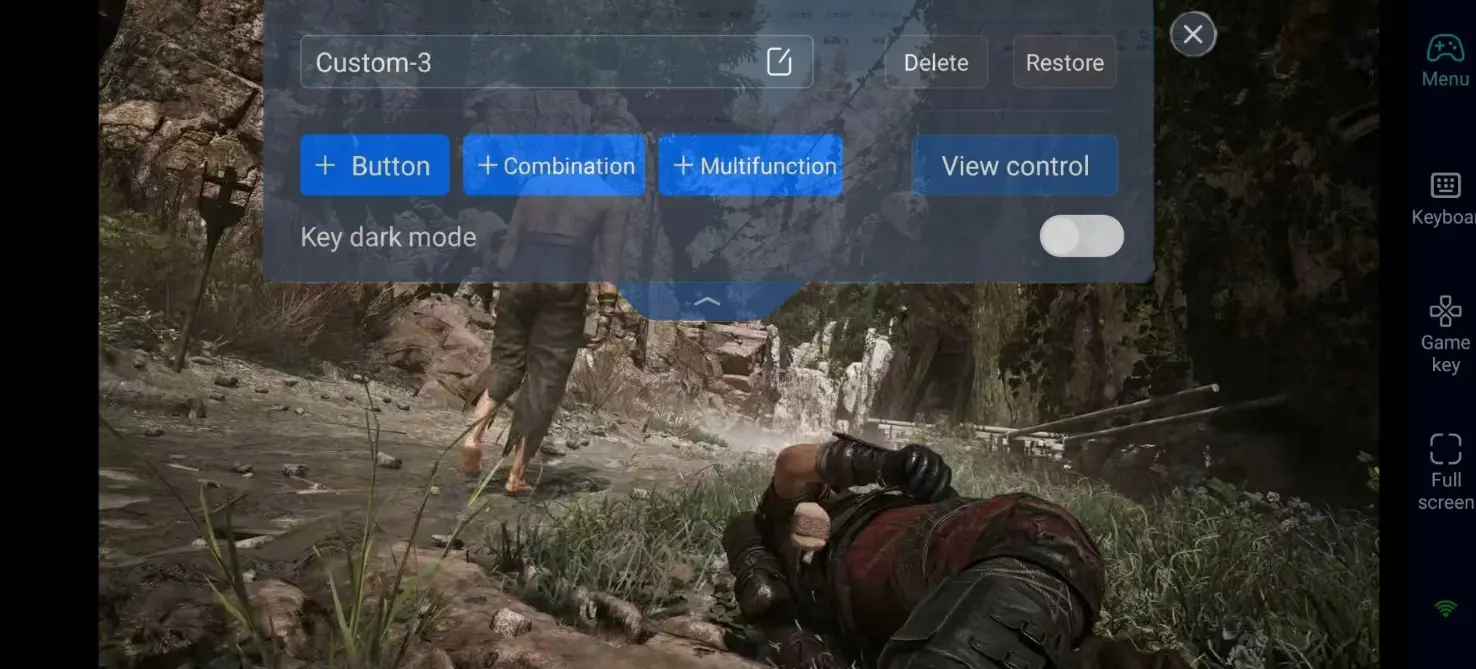
Adjust on-screen keys based on your habits:
Movement, camera control, run & sneak
Melee attack, block, dodge & spell cast
Inventory, equipment swap, item use & interaction
Map, quest menu and dialogue shortcuts
You can save multiple key layouts for exploration and combat.
4. Connect External Controllers
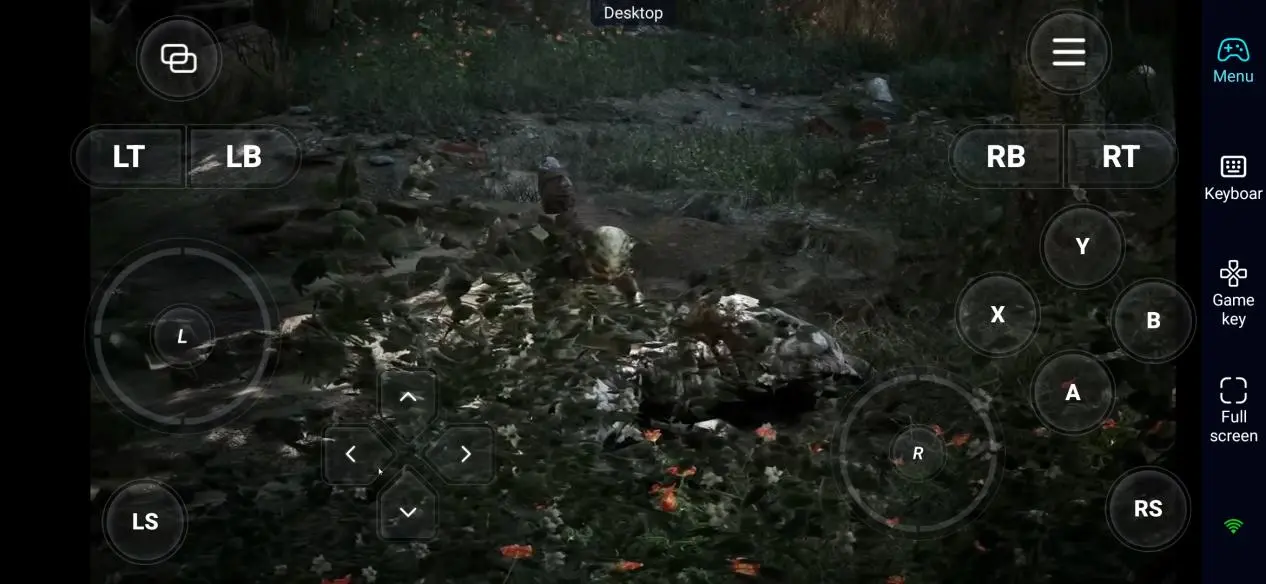
Pair Bluetooth gamepads with your phone. OSLink supports most mainstream controllers, bringing authentic PC-style controls for precise combat.
Step 3: Play Anywhere
After setup, you can play on your phone or tablet in various scenarios:
Explore side quests and hidden areas during spare time.
Gain reputation with three factions to unlock exclusive gear and story branches.
Practice combat skills and learn new abilities from in-game trainers.
Challenge dangerous zones and powerful enemies.
Why Choose OSLink for Gothic 1 Remake?
1. No location limits: Play on the sofa or while commuting. Game progress is saved on your PC.
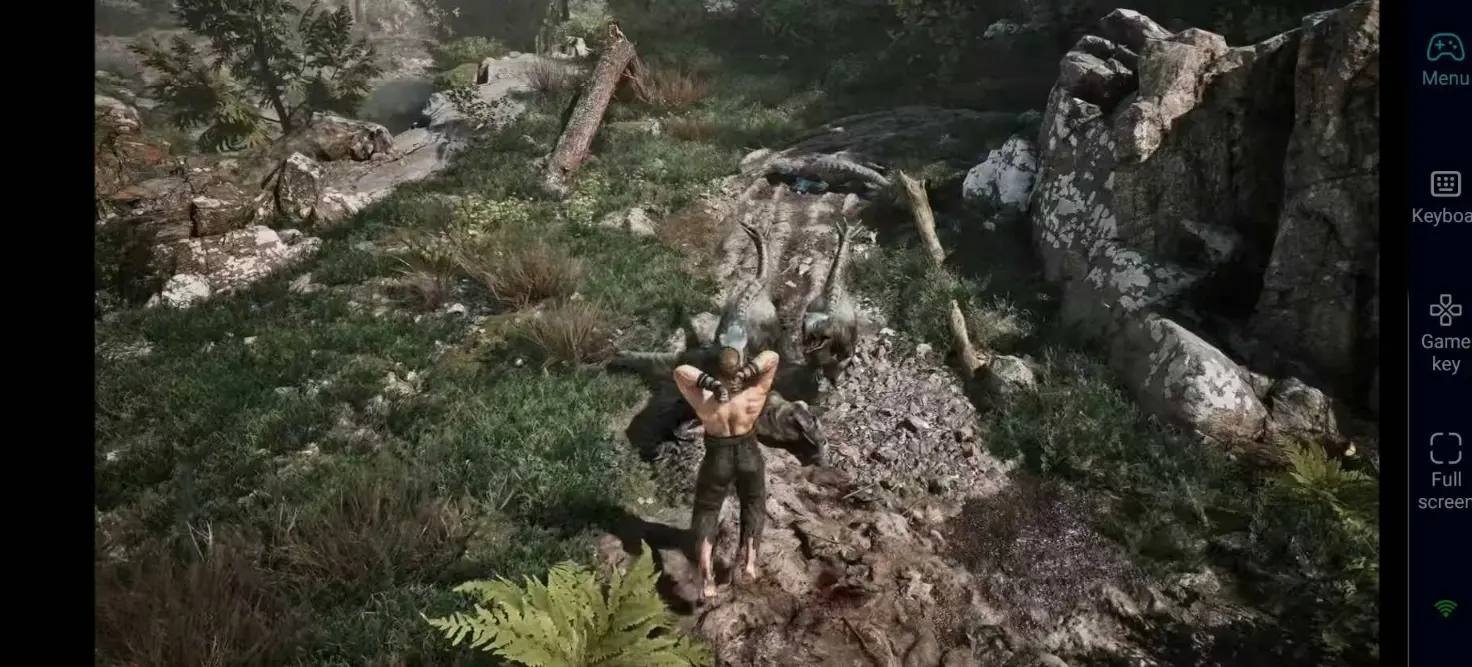
2. Lossless graphics: The game runs on PC, so all high-quality visuals and effects are fully preserved.
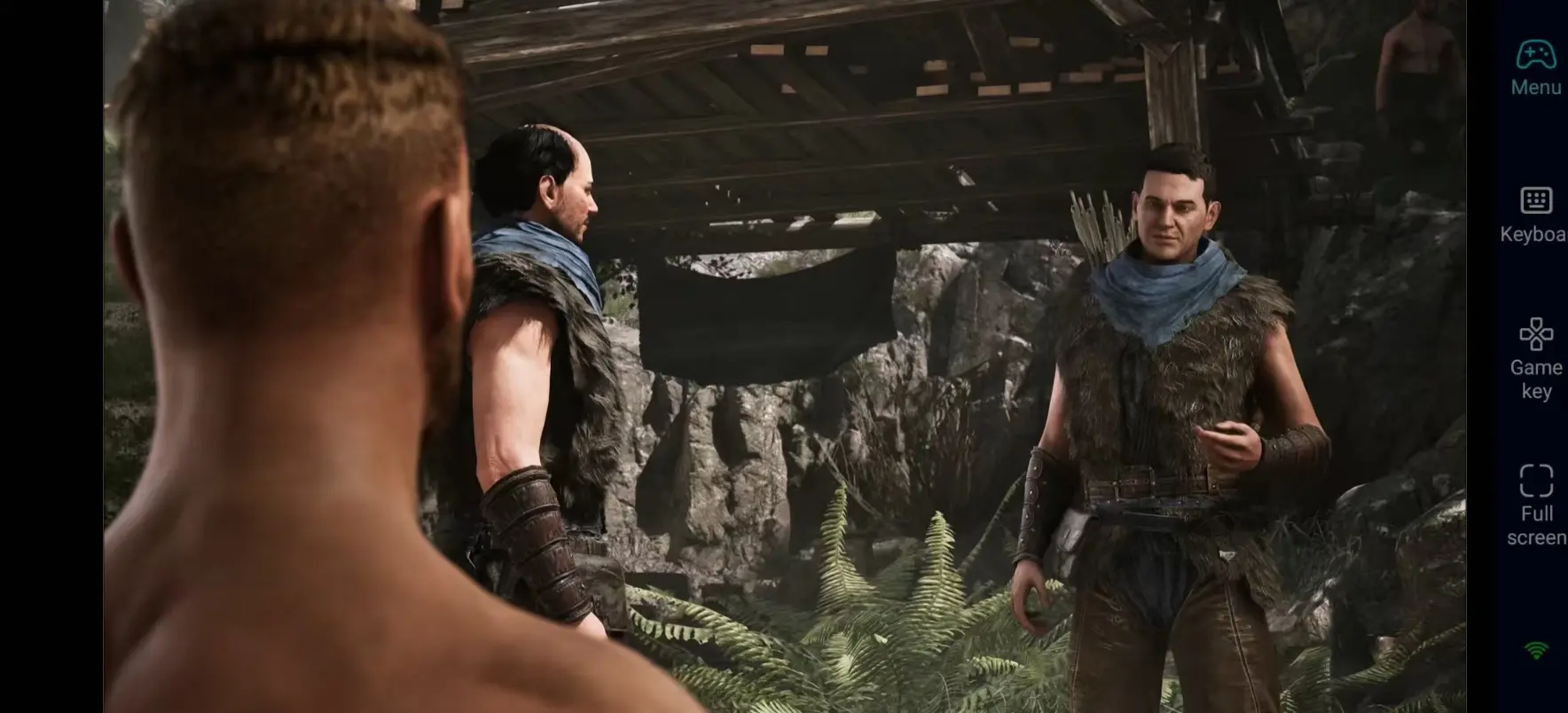
3. Low latency: Optimized streaming ensures instant response for all operations.
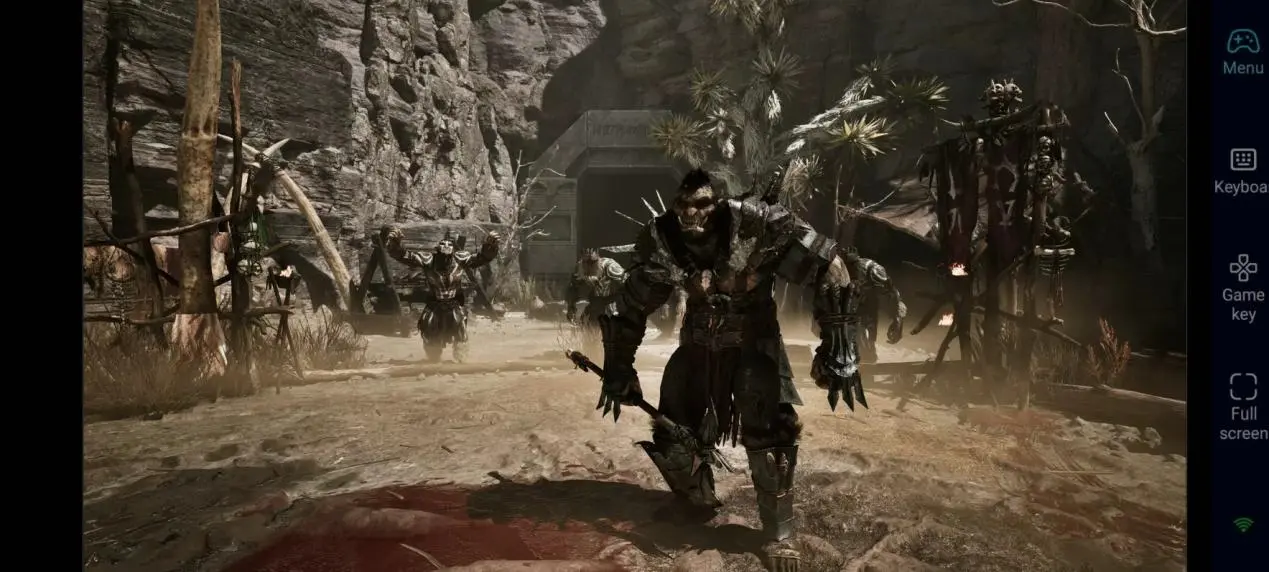
FAQ
Q: What is the release date of Gothic 1 Remake?
A: A: Gothic 1 Remake releases on June 6, 2026. Confirmed platforms: PC (Steam, GOG), PS5, Xbox Series X|S. No native mobile, PS4 or Xbox One version.
Q: What are the PC system requirements?
A: The game strongly requires an SSD. Official requirements for the demo:
Minimum: Windows 10 64-bit; Intel i5-10400 / AMD Ryzen 5 3600; 16 GB RAM; NVIDIA GTX 1660 Super / AMD RX 5600 XT; 40 GB available space; DirectX 12.
Recommended: Windows 10/11 64-bit; Intel i7-11700 / AMD Ryzen 7 5800X; 16 GB RAM (32 GB recommended); NVIDIA RTX 3060 / AMD RX 6600; 40 GB NVMe SSD; DirectX 12.
Q: Can I play Gothic 1 Remake natively on Android?
A: There is no official Android version. Most mobile devices cannot meet the game's hardware requirements. Use OSLink to stream the PC version for stable and high-quality gameplay, and avoid overheating and heavy power drain.
Q: Can I play via iPhone or iPad?
A: Yes. Install OSLink and pair with your PC. The game runs on your computer, while iOS devices act as the display and control interface, offering stable performance.
Conclusion
Gothic 1 Remake is a highly anticipated classic RPG remake with deep stories and a huge open world. Since there is no official mobile version, OSLink remote streaming provides a convenient way to play on your phone or tablet. Explore the magical mining colony and start your dark fantasy adventure anytime, anywhere.
 Download