English
 Playing Kickoff Football 26: Be A Pro on mobile phones has obvious limitations. This fast-paced football game features real-time matches, skill moves and tactical teamwork. During intense battles, frequent position changes and complex offensive and defensive actions often lead to accidental taps on touch controls. The small screen also blocks your view of the pitch, making it easier to miss key passing and shooting opportunities.
With OSLink, you can mirror your mobile game screen to a computer. You can control the game with a keyboard, mouse or game controller. The large screen brings a full view of the pitch, while keyboard and mouse offer faster response and more accurate operation. You can perform skill moves, tackles and shots much more easily. Follow the steps below to set up and enjoy the game.
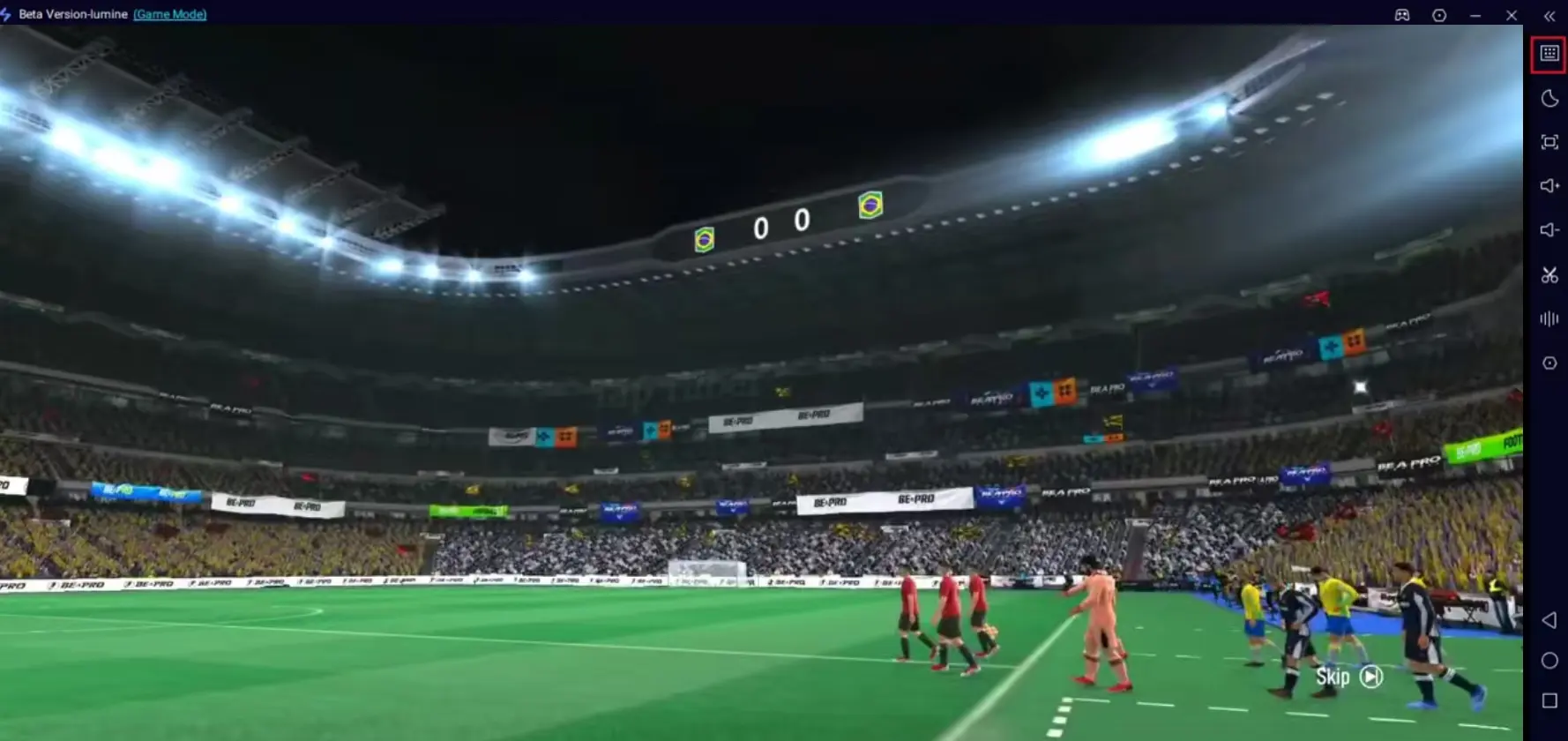
How to Play Kickoff Football 26: Be A Pro on PC
1. Install the game on your mobile phone
Open your mobile app store and search for Kickoff Football 26: Be A Pro to download and install the game. If the game is unavailable in your region, download the APK file from trusted sources.
2. Install OSLink on PC and mobile phone
Visit the official website of OSLink(https://www.oslink.io), then download and install the PC client and mobile application respectively.
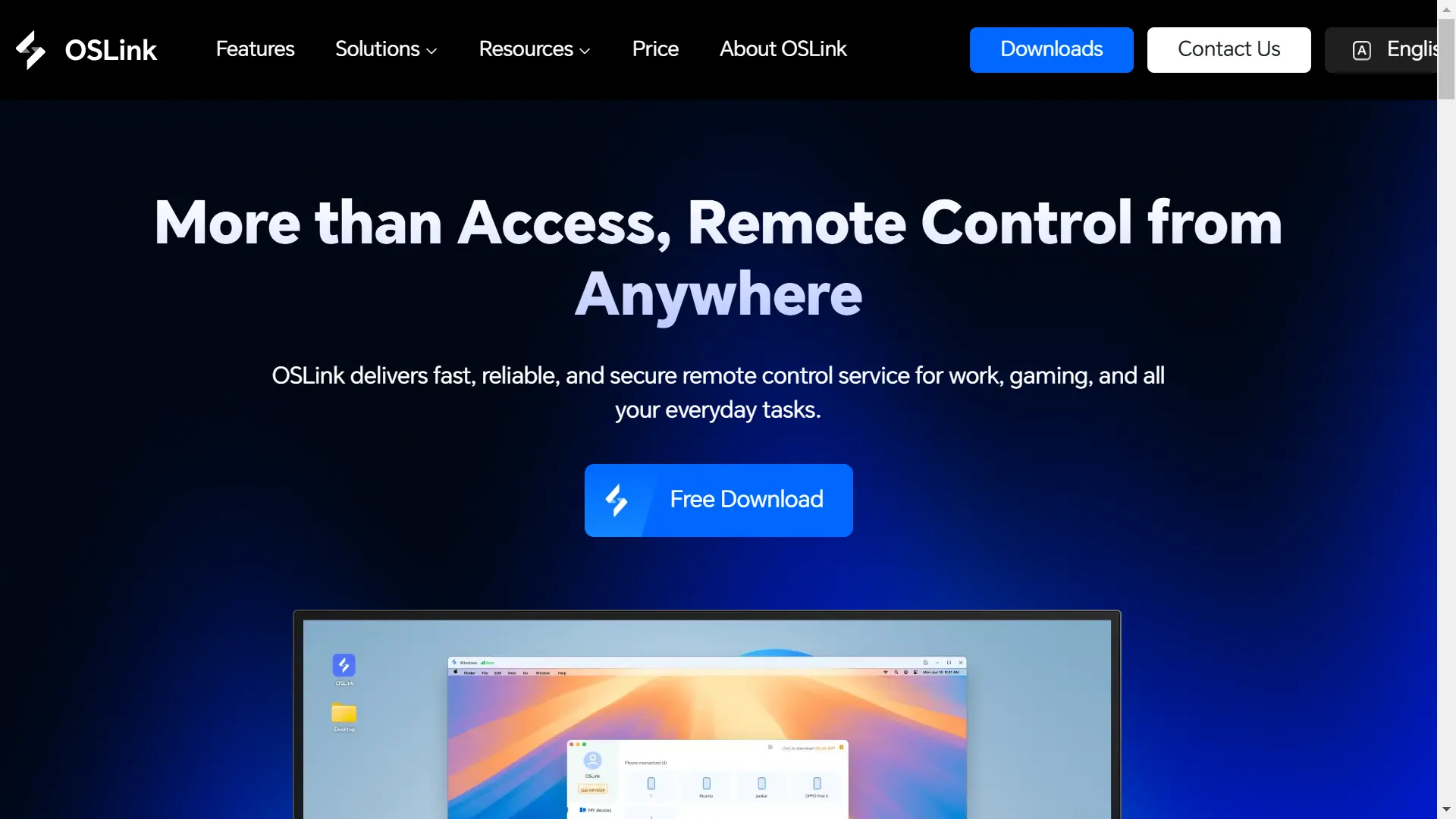
3. Connect your mobile phone to the computer
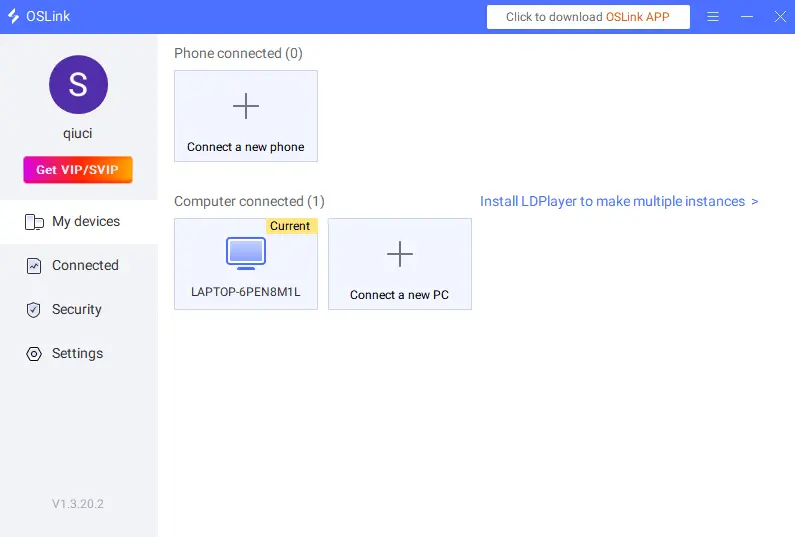
Launch OSLink on both devices and log in with the same email account. Use a USB cable to link your phone and computer, then select your mobile device on the PC version of OSLink.
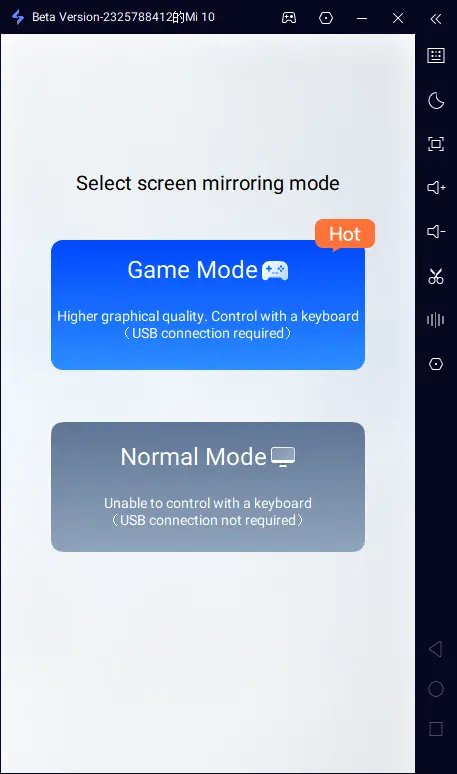
4. Select Game Mode for the best performance
Follow the on-screen prompts and choose Game Mode (USB connection required). Tap to start screen mirroring on your mobile phone.
5. Enable Developer Options and USB Debugging (Android only)
For first-time use: Go to Settings > About Phone, tap Build Number seven times to activate Developer Mode.
Go back to Settings, find and turn on USB Debugging. Enter your device password if required. This step is not needed for iOS devices.
6. Start screen mirroring
Confirm all settings in OSLink. Your mobile game screen will now be displayed on your computer.
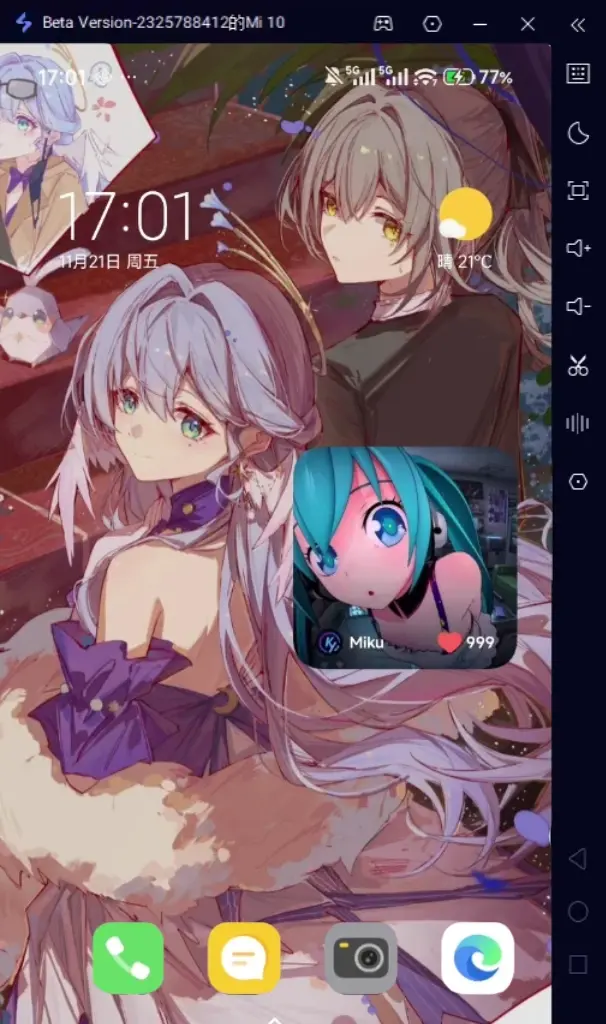
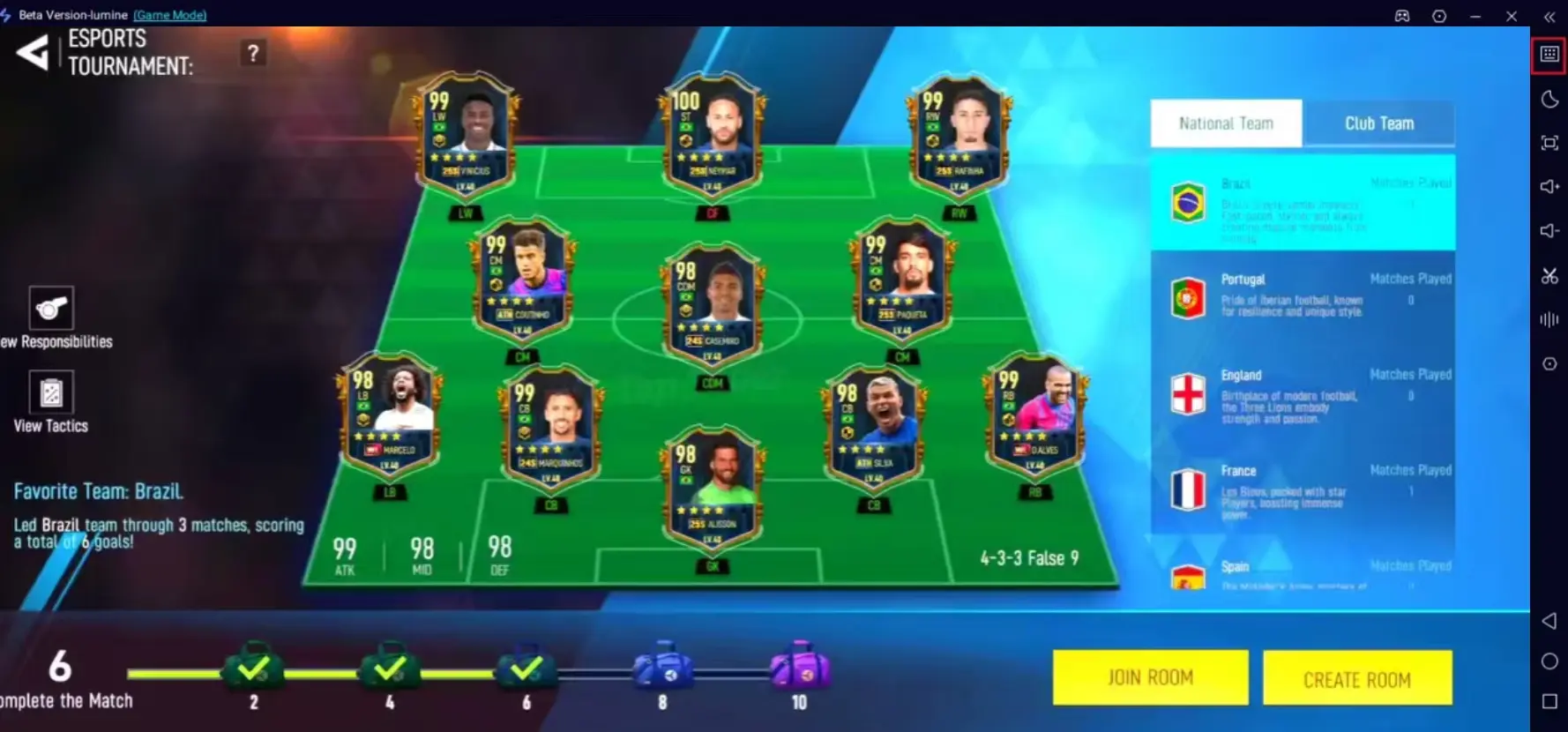
Keyboard and Mouse Settings for Kickoff Football 26: Be A Pro
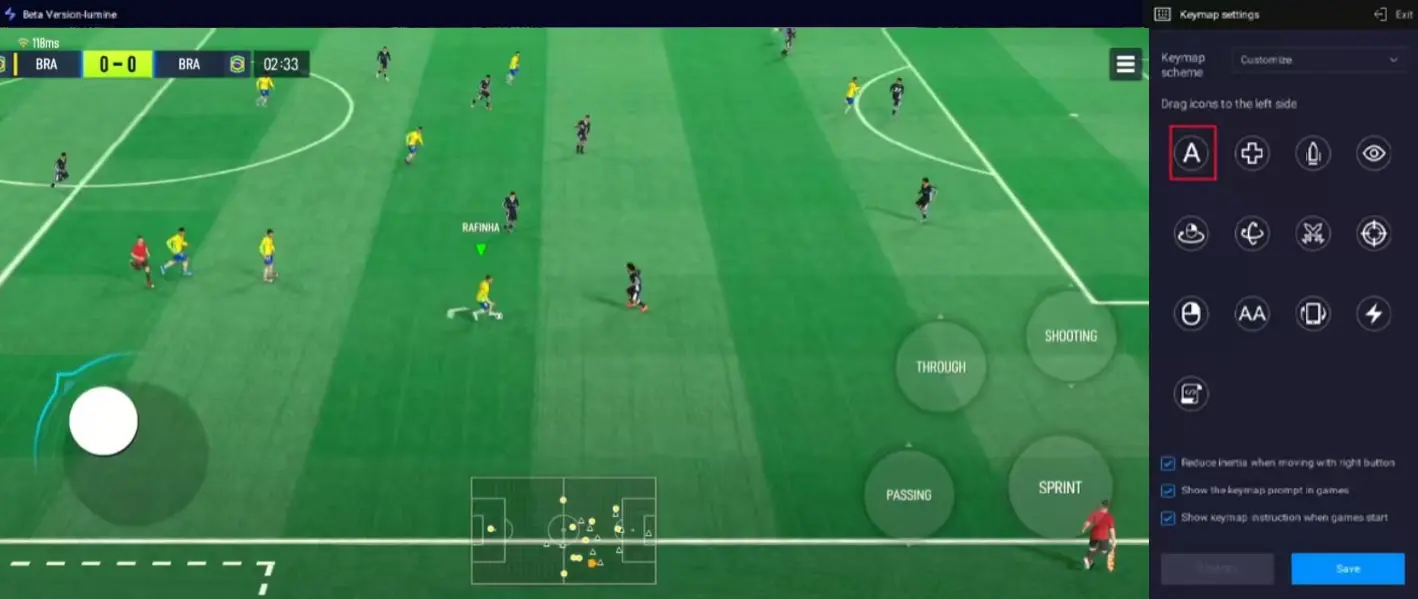
After mirroring, click the keyboard icon on the OSLink sidebar to open the key mapping editor.
Drag virtual buttons to align with the game’s control areas. Map the movement joystick to W/A/S/D or arrow keys on your keyboard. Set hotkeys for passing, shooting, tackling and skill moves to Space, Q, E, Z, X and other familiar keys. You can also add extra buttons for player substitution and perspective switching.
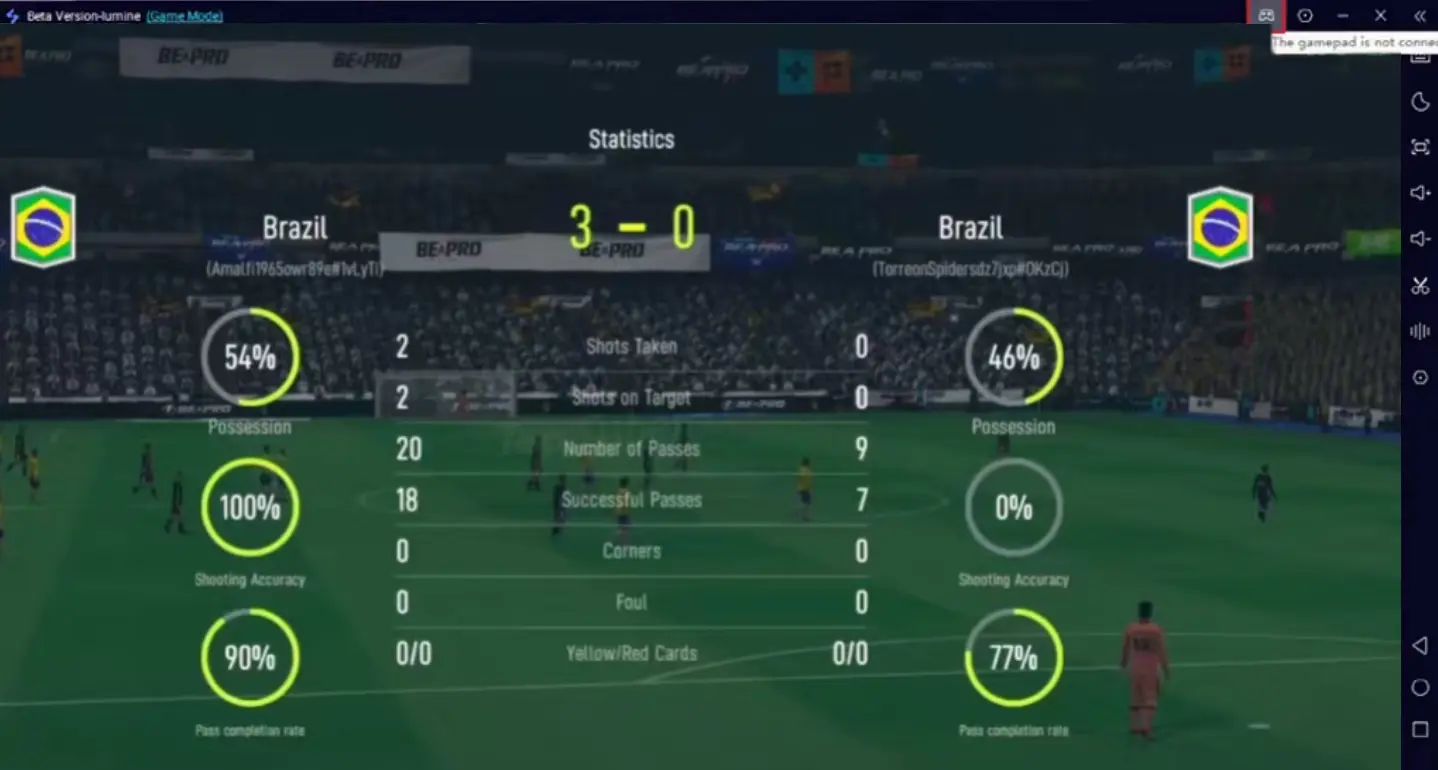
OSLink also supports external game controllers, providing a console-like gaming experience.
You can adjust resolution and FPS according to your device and network to keep the game smooth and lag-free.
Important Tips
For stable performance, please use high-quality USB 3.0 or higher data cables. Do not use charging-only cables, which will cause input lag and disconnection.
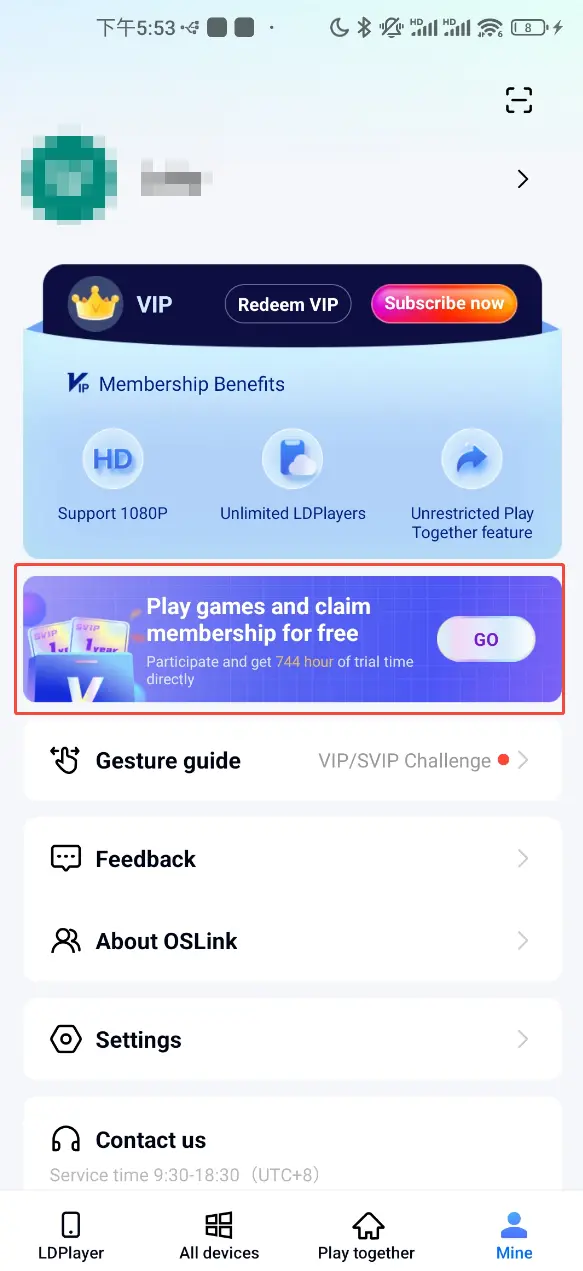
You can earn free usage time by watching ads or completing tasks in OSLink, so you can enjoy high-quality screen mirroring without extra cost.
FAQ
Q: When was Kickoff Football 26: Be A Pro officially released?
A: The game launched officially on June 11, 2026, and it is currently only available for mobile devices.
Q: What are the system requirements for Kickoff Football 26: Be A Pro?
A: To run the game stably, your device needs to meet the following requirements:
Storage: The game takes up about 1.5GB of storage space. More than 3GB free space is recommended for updates and cache.
RAM: 4GB RAM or above is required for smooth gameplay.
Android: Android 8.0 or later.
iOS: iOS 12.0 or later.
High-end devices are recommended if you enable high graphics and high frame rate.
Q: Can I play Kickoff Football 26: Be A Pro on a computer?
A: There is no official PC version for now. You can play it on PC by mirroring your mobile screen with OSLink, and use keyboard and mouse for control.
Summary
With OSLink, you can enjoy Kickoff Football 26: Be A Pro in a brand-new way. The larger screen, customizable controls and smooth performance bring huge advantages in competitive football matches. The setup process is simple, and once configured, it can be used anytime. Whether you compete in tournaments or play for fun, you will get a much better gaming experience.
 Download